Scroll Animation with IntersectionObserver (No jQuery)
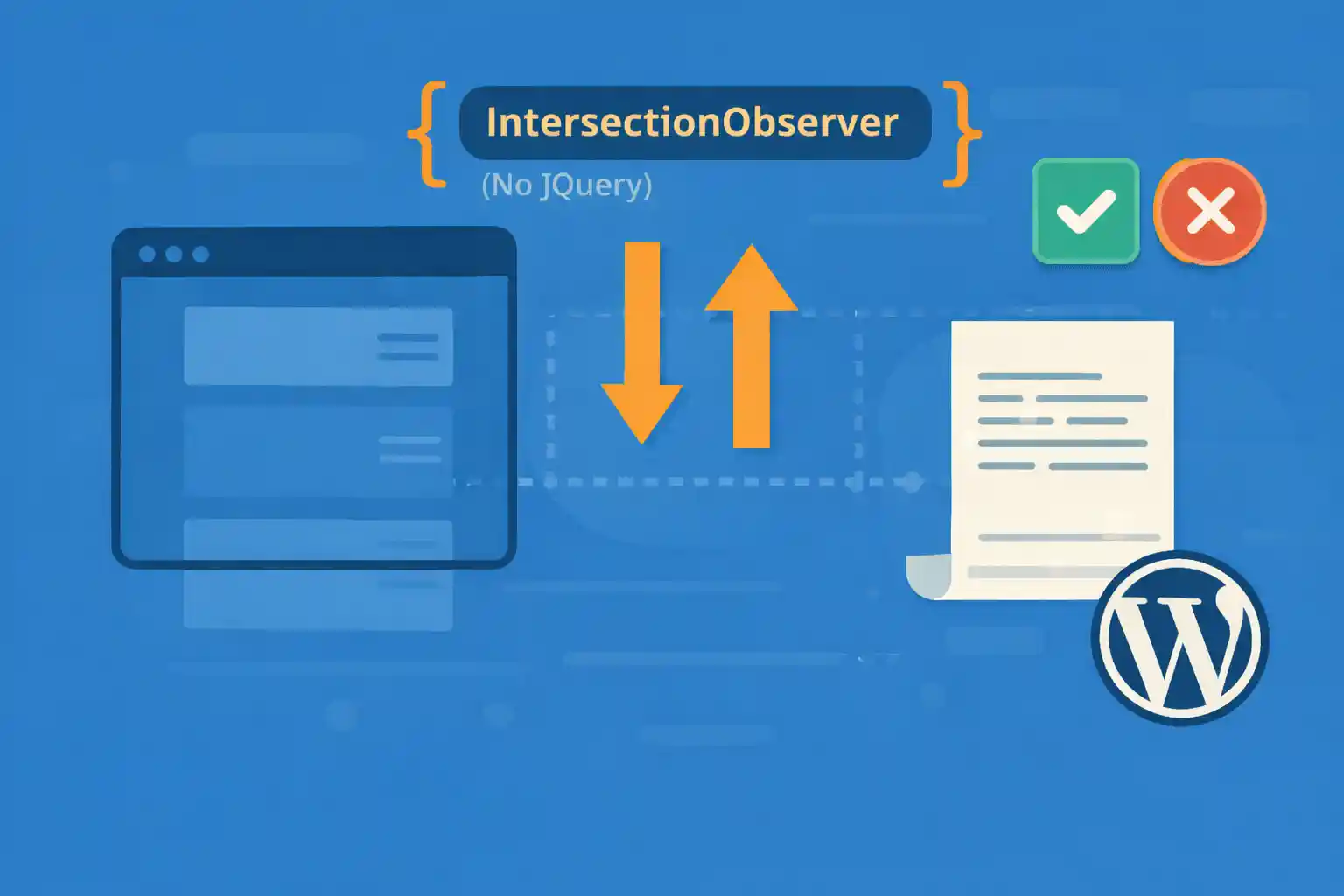
Scroll-triggered animations can make a WordPress site feel polished and modern — but you don’t need jQuery or heavy animation libraries. The browser-native IntersectionObserver API lets you detect when elements enter the viewport and toggle CSS classes efficiently.
This guide shows a clean, reusable pattern for scroll animations using IntersectionObserver + CSS transitions, with practical examples you can drop into any theme.
Why IntersectionObserver Is Better Than Scroll Events
- No manual scroll listeners running every frame
- More efficient and battery-friendly
- Works well with lazy-loaded content
- Easy to maintain (class toggle approach)
In short: it’s the modern way to do scroll-based UI effects.
1) Minimal HTML Markup
Add a class like js-reveal to elements you want to animate.
<section class="feature js-reveal">
  <h2>Fast, lightweight animations</h2>
  <p>Triggered only when the element enters the viewport.</p>
</section>

<div class="card js-reveal">
  <h3>Card Title</h3>
  <p>This card fades up when visible.</p>
</div>
2) CSS: Define the “Before” and “Visible” States
Use opacity + translate for a smooth “fade up” reveal.
.js-reveal {
  opacity: 0;
  transform: translateY(16px);
  transition: opacity 600ms ease, transform 600ms ease;
  will-change: opacity, transform;
}

.js-reveal.is-visible {
  opacity: 1;
  transform: translateY(0);
}
This keeps animation logic in CSS and JavaScript only toggles a class.
3) JavaScript: IntersectionObserver (Reusable)
This script watches all .js-reveal elements and adds .is-visible when they enter the viewport.
document.addEventListener('DOMContentLoaded', () => {
  const targets = document.querySelectorAll('.js-reveal');

  if (!targets.length) return;

  const prefersReducedMotion = window.matchMedia('(prefers-reduced-motion: reduce)').matches;

  if (prefersReducedMotion) {
    targets.forEach(el => el.classList.add('is-visible'));
    return;
  }

  const observer = new IntersectionObserver((entries, obs) => {
    entries.forEach(entry => {
      if (!entry.isIntersecting) return;

      entry.target.classList.add('is-visible');
      obs.unobserve(entry.target);
    });
  }, {
    root: null,
    rootMargin: '0px 0px -10% 0px',
    threshold: 0.1,
  });

  targets.forEach(el => observer.observe(el));
});
What the Options Mean
threshold: 0.1→ triggers when ~10% of the element is visiblerootMargin: '0px 0px -10% 0px'→ triggers slightly before the element is fully in viewunobserve()→ animates once (recommended for performance)
4) Stagger Animations (No Library)
You can stagger multiple items by setting a CSS variable per element.
HTML
<ul class="grid">
  <li class="js-reveal" style="--delay: 0ms;">Item 1</li>
  <li class="js-reveal" style="--delay: 80ms;">Item 2</li>
  <li class="js-reveal" style="--delay: 160ms;">Item 3</li>
</ul>
CSS
.js-reveal {
  opacity: 0;
  transform: translateY(16px);
  transition:
    opacity 600ms ease var(--delay, 0ms),
    transform 600ms ease var(--delay, 0ms);
}
The same IntersectionObserver script works — delay is handled purely in CSS.
5) Different Animation Types (Scale, Fade, Slide)
Use modifier classes to change the effect without touching JavaScript.
HTML
<div class="js-reveal reveal-fade">Fade only</div>
<div class="js-reveal reveal-slide-left">Slide from left</div>
<div class="js-reveal reveal-zoom">Zoom in</div>
CSS
.reveal-fade {
  transform: none;
}

.reveal-slide-left {
  transform: translateX(-16px);
}

.reveal-zoom {
  transform: scale(0.96);
}

.js-reveal.is-visible {
  opacity: 1;
  transform: translateX(0) translateY(0) scale(1);
}
Keep the “visible” state consistent and let the starting state vary.
6) Where to Add This in WordPress
Typical approach:
- Put JS in
/assets/js/reveal.js - Enqueue only where needed (or globally if used site-wide)
- Add CSS to your main stylesheet or a dedicated animation file
Enqueue Example
add_action( 'wp_enqueue_scripts', function() {

  $path = get_stylesheet_directory() . '/assets/js/reveal.js';

  wp_enqueue_script(
    'reveal-io',
    get_stylesheet_directory_uri() . '/assets/js/reveal.js',
    array(),
    file_exists( $path ) ? filemtime( $path ) : null,
    true
  );

} );
Common Mistakes to Avoid
- Animating layout properties like
top,left,height(usetransforminstead) - Forgetting
prefers-reduced-motion(accessibility) - Observing too many elements with overly complex animations
- Not unobserving when you only need a one-time reveal
Conclusion
IntersectionObserver is the cleanest way to build scroll-triggered animations without jQuery. By toggling a single class and keeping the animation logic in CSS, you get a solution that’s fast, accessible, and easy to scale across a WordPress site.
Key takeaway:
Use IntersectionObserver to toggle .is-visible, and let CSS handle the animation.
🎨 Want to learn more? Visit our WordPress Customization Hub for tips and advanced techniques.


















