How to Add Custom Rewrite Rules for CPT URLs
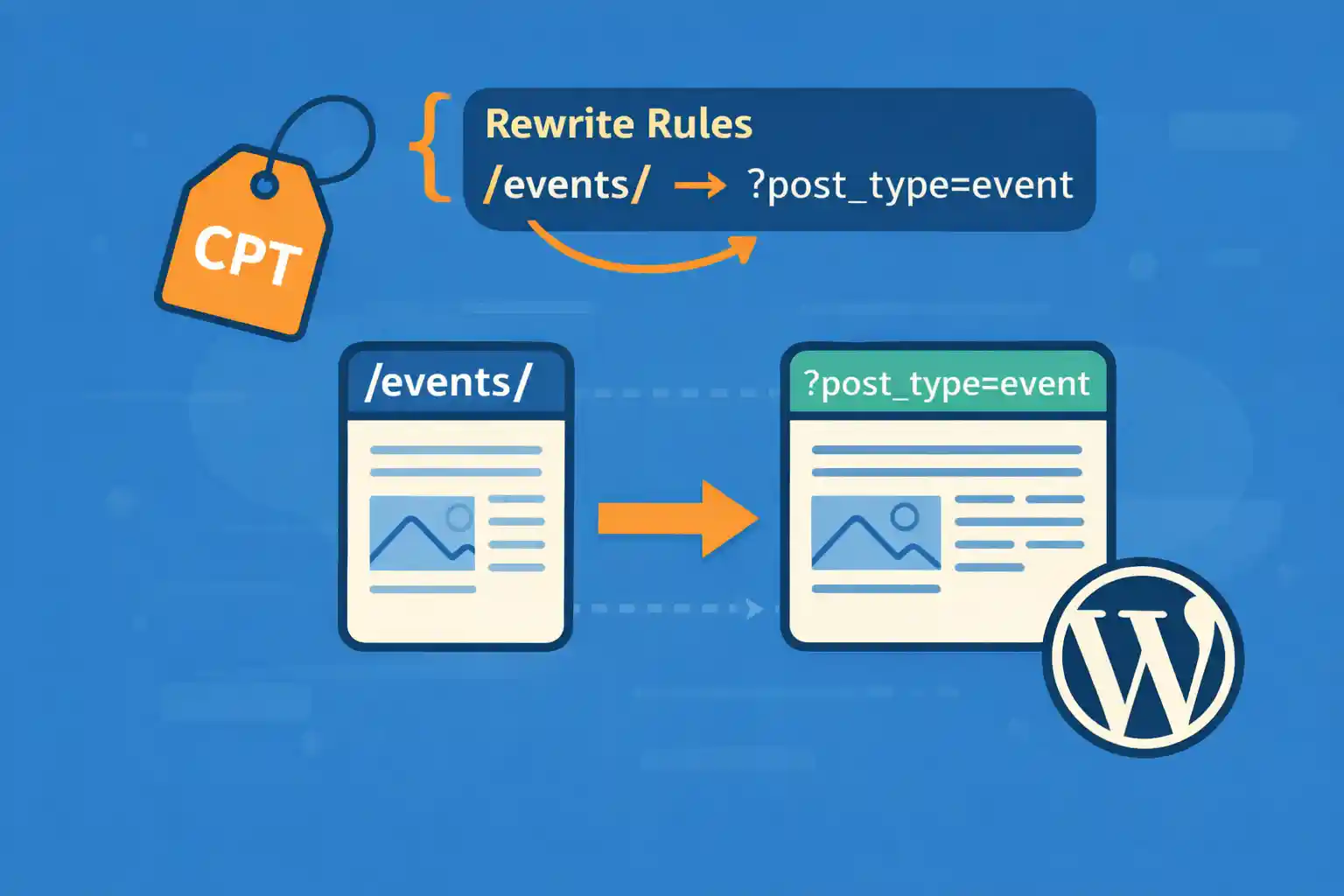
How to Add Custom Rewrite Rules for CPT URLs (WordPress)
Custom Post Types (CPTs) are powerful, but sometimes the default URLs don’t match what you need for SEO, branding, or information architecture. In those cases, you can add custom rewrite rules to build clean, predictable CPT URLs — without hacks or fragile redirects.
This guide shows safe, practical ways to customize CPT permalinks and add rewrite rules properly.
Before You Start: The 3 Rules of Rewrite Safety
- Prefer built-in rewrite options in
register_post_type()before writing custom rules. - Flush rewrite rules only on activation (never on every page load).
- Always test conflicts with existing pages/slugs (rewrite collisions are common).
Option 1: Use register_post_type() Rewrite Settings (Recommended)
Many URL customizations can be done without custom rewrite rules.
add_action( 'init', function() {

  register_post_type( 'event', array(
    'label'        => 'Events',
    'public'       => true,
    'has_archive'  => true,
    'rewrite'      => array(
      'slug'       => 'events',
      'with_front' => false,
    ),
    'supports'     => array( 'title', 'editor', 'thumbnail' ),
    'show_in_rest' => true,
  ) );

}, 0 );
This yields:
- Archive:
/events/ - Single:
/events/{post-slug}/
After changing rewrite settings, go to Settings → Permalinks and click “Save” once to flush rules.
Option 2: Make CPT Single URLs Look Like /cpt-slug/YYYYMMDD/ (Custom Pattern)
Sometimes you want a URL pattern that isn’t based on the post slug. For example:
/news/20251218//interview/20251101/
This requires custom rewrite rules plus a query var that maps to a post.
Step 1: Add a Rewrite Rule
This example routes /events/12345/ to a custom query var event_code.
add_action( 'init', function() {

  add_rewrite_rule(
    '^events/([0-9]+)/?$',
    'index.php?post_type=event&event_code=$matches[1]',
    'top'
  );

}, 20 );
Step 2: Register the Query Var
add_filter( 'query_vars', function( $vars ) {
  $vars[] = 'event_code';
  return $vars;
} );
Step 3: Convert the Query Var into a Real Post (pre_get_posts)
You need to tell WordPress what post to load when that value is present.
add_action( 'pre_get_posts', function( $query ) {

  if ( is_admin() || ! $query->is_main_query() ) {
    return;
  }

  if ( $query->get( 'post_type' ) !== 'event' ) {
    return;
  }

  $event_code = $query->get( 'event_code' );
  if ( ! $event_code ) {
    return;
  }

  // Example mapping: event_code stored as a custom field (meta)
  $query->set( 'meta_key', 'event_code' );
  $query->set( 'meta_value', sanitize_text_field( $event_code ) );

} );
Now a request like /events/12345/ loads the event whose custom field event_code matches 12345.
Option 3: Change CPT Single Permalinks to Use a Custom Field
If you want the URL itself to be generated from a meta value (instead of the post slug), use the post_type_link filter.
Example: /events/{event_code}/
add_filter( 'post_type_link', function( $permalink, $post ) {

  if ( $post->post_type !== 'event' ) {
    return $permalink;
  }

  $code = get_post_meta( $post->ID, 'event_code', true );
  if ( ! $code ) {
    return $permalink;
  }

  return home_url( '/events/' . rawurlencode( $code ) . '/' );

}, 10, 2 );
Important: This changes generated permalinks, but you still need the rewrite rule + query handling shown earlier so those URLs resolve correctly.
Flush Rewrite Rules (Do This Correctly)
Do not call flush_rewrite_rules() on every request. It’s expensive and can slow your site significantly.
Safe options:
- Manually: Settings → Permalinks → Save
- Programmatically: on plugin activation
Example (plugin activation):
register_activation_hook( __FILE__, function() {
  flush_rewrite_rules();
} );

register_deactivation_hook( __FILE__, function() {
  flush_rewrite_rules();
} );
If you’re adding code in a theme, manual flushing via Permalinks is usually enough.
Common Rewrite Problems (And How to Avoid Them)
Rewrite collisions (a page “wins” over your CPT route)
If you have a Page with slug events, it can conflict with /events/ routes. Rename the page or change CPT slugs.
Rules not taking effect
- Flush permalinks after adding rules
- Make sure the rule pattern is correct (regex is strict)
- Use
'top'to prioritize your rule when needed
404 on custom URLs
Usually means one of these is missing:
- Rewrite rule
- Query var registration
- Main query adjustment to select the correct post
Debug Tip: Confirm Your Query Vars
If a custom URL isn’t resolving, you can temporarily inspect query vars:
add_action( 'template_redirect', function() {
  if ( current_user_can( 'manage_options' ) ) {
    global $wp_query;
    echo '<pre>';
    print_r( $wp_query->query_vars );
    echo '</pre>';
    exit;
  }
} );
Use this briefly and remove it after debugging.
Conclusion
Custom rewrite rules let you build CPT URLs that match your site structure — but the key is doing it safely: prefer built-in rewrite settings first, only flush rules when necessary, and handle custom query vars properly so WordPress can resolve your URLs.
Key takeaway:
Rewrite rule + query var + main query mapping = reliable custom CPT URLs.
🎨 Want to learn more? Visit our WordPress Customization Hub for tips and advanced techniques.


















