How to Change CPT Slugs Safely (Without Breaking SEO)
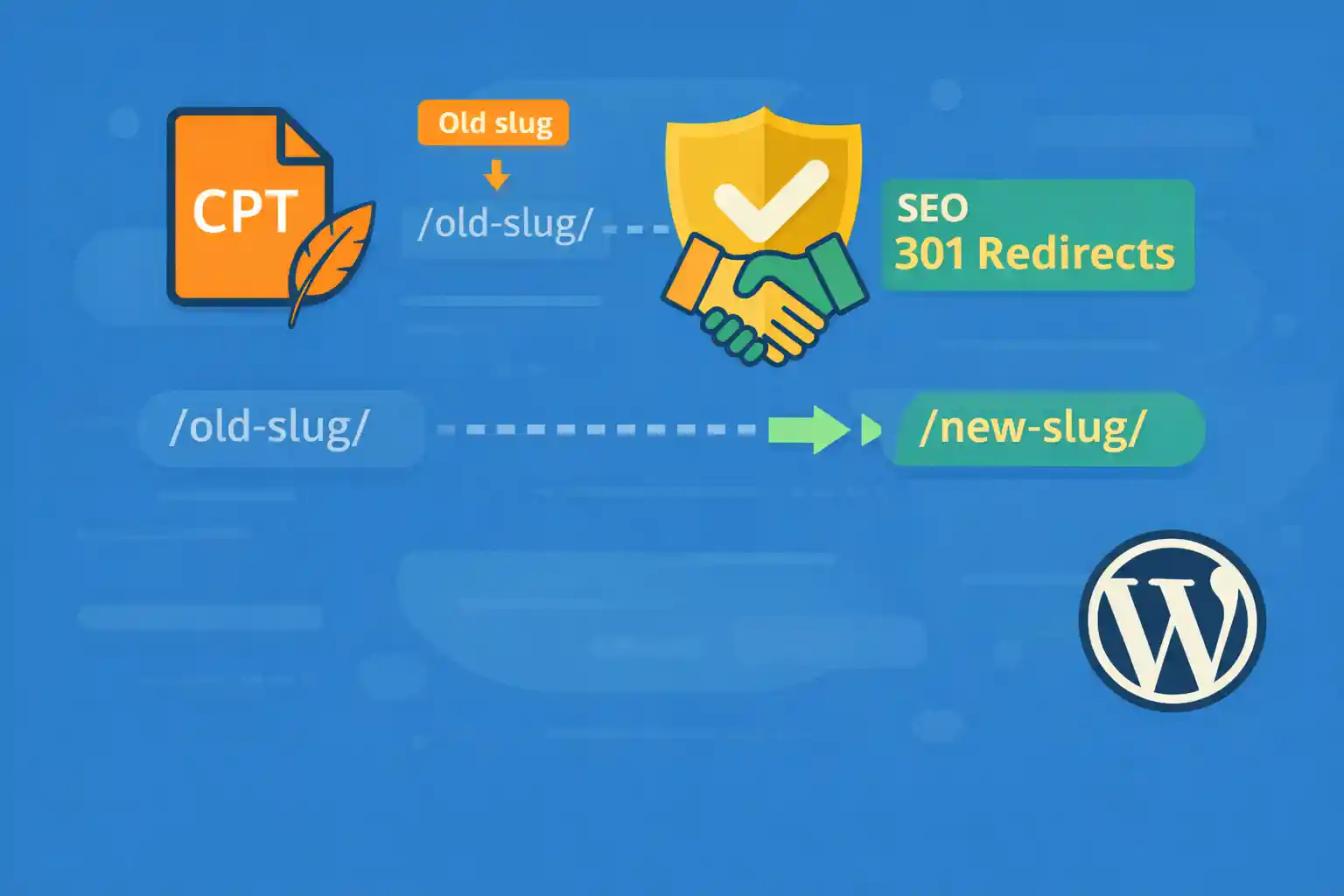
How to Change CPT Slugs Safely (Without Breaking SEO)
Changing a Custom Post Type (CPT) slug in WordPress is sometimes unavoidable — rebranding, clearer URLs, SEO improvements, or structural refactoring. However, doing it carelessly can break existing URLs, cause 404 errors, and hurt your search rankings.
This guide explains how to change CPT slugs safely, while preserving SEO value and avoiding common pitfalls.
Why Changing CPT Slugs Is Risky
A CPT slug affects:
- Single post URLs (
/old-slug/post-name/) - Archive URLs (
/old-slug/) - Internal links and bookmarks
- Indexed URLs in Google and other search engines
If you change the slug without proper handling, search engines will see the old URLs as gone — unless you redirect them correctly.
Step 1: Change the CPT Slug in register_post_type()
Always start by updating the rewrite settings of the CPT.
add_action( 'init', function() {

  register_post_type( 'event', array(
    'label'       => 'Events',
    'public'      => true,
    'has_archive' => true,
    'rewrite'     => array(
      'slug'       => 'events',
      'with_front' => false,
    ),
    'supports'    => array( 'title', 'editor', 'thumbnail' ),
    'show_in_rest' => true,
  ) );

}, 0 );
For example:
/old-event/→/events//old-event/sample-post/→/events/sample-post/
Important: After changing the slug, go to Settings → Permalinks and click “Save” once to flush rewrite rules.
Step 2: Understand What Breaks After the Change
After changing the CPT slug:
- Old URLs will return 404
- Search engines still have the old URLs indexed
- Existing backlinks point to old URLs
This is expected — and exactly why redirects are required.
Step 3: Add 301 Redirects from Old Slug to New Slug (Critical)
A 301 redirect tells search engines that the URL has permanently moved, transferring SEO value to the new URL.
Option A: Redirect Using PHP (Flexible)
This approach works well if you want logic inside WordPress.
add_action( 'template_redirect', function() {

  if ( is_admin() ) {
    return;
  }

  $request_uri = $_SERVER['REQUEST_URI'];

  if ( strpos( $request_uri, '/old-event/' ) === 0 ) {
    $new_url = str_replace( '/old-event/', '/events/', $request_uri );
    wp_safe_redirect( home_url( $new_url ), 301 );
    exit;
  }

} );
This preserves the post slug and redirects all old CPT URLs.
Option B: Redirect Using a Plugin (Recommended for Non-Developers)
If you prefer a UI-based approach:
- Install a redirect management plugin
- Add a redirect rule:
Source: ^/old-event/(.*)
Target: /events/$1
Type: 301 (Permanent)
This is often safer for large sites or teams.
Option C: Redirect at the Server Level (Fastest)
If you control the server configuration, you can redirect before WordPress loads.
RedirectMatch 301 ^/old-event/(.*)$ /events/$1This is very efficient, but requires server access.
Step 4: Handle CPT Archive Redirects
Don’t forget the archive page.
/old-event/→/events/
If you’re using a catch-all redirect like the examples above, this is already covered. Otherwise, add a specific redirect for the archive URL.
Step 5: Update Internal Links and Menus
Even with redirects in place, you should update internal links to point directly to the new URLs.
- Update navigation menus
- Update hardcoded links in content
- Update CTA buttons and widgets
This reduces unnecessary redirects and improves crawl efficiency.
Step 6: Notify Search Engines
After deploying the change:
- Submit updated URLs via Google Search Console
- Request reindexing for key pages
- Monitor 404 and redirect reports
Google will gradually replace old URLs with the new ones.
Common Mistakes to Avoid
- Changing the CPT slug without redirects
- Using 302 (temporary) redirects instead of 301
- Flushing rewrite rules on every request
- Leaving old internal links untouched
- Changing slugs repeatedly in a short time
Quick Safety Checklist
- Update
register_post_type()rewrite slug - Flush permalinks once
- Add global 301 redirects from old slug to new slug
- Update internal links and menus
- Monitor Search Console for errors
When You Should NOT Change a CPT Slug
- The site is already ranking well and the change is cosmetic
- You cannot implement proper redirects
- The CPT is deeply linked from external sites
In those cases, consider keeping the slug and improving SEO in other ways.
Conclusion
Changing a CPT slug is safe only if you treat it as a URL migration. By updating rewrite rules correctly and implementing permanent redirects, you protect your rankings, preserve link equity, and avoid broken pages.
Key takeaway:
Never change a CPT slug without 301 redirects — URLs are part of your SEO foundation.
Handled properly, a CPT slug change can even be a net positive for long-term site structure and clarity.
🎨 Want to learn more? Visit our WordPress Customization Hub for tips and advanced techniques.


















