How to Display ACF Fields Conditionally (If Empty / Logged-In)
How to Display ACF Fields Conditionally (If Empty / Logged-In)
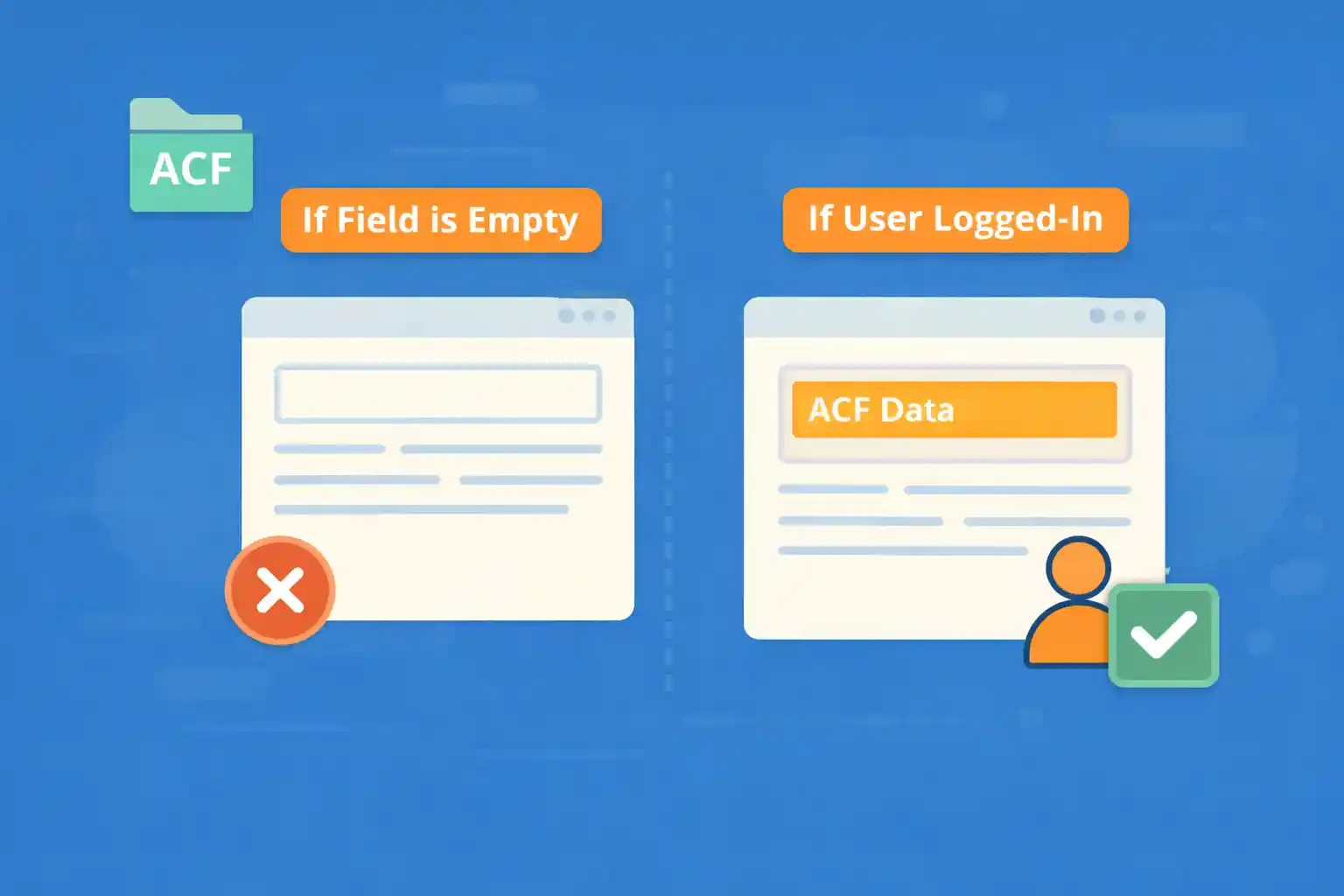
Advanced Custom Fields (ACF) makes it easy to add structured content to WordPress. But on real sites, you often need conditional output rules like:
- Show the field only if it has a value
- Show a fallback message if the field is empty
- Show certain fields only to logged-in users (or specific roles)
This guide shows clean, copy-paste-ready patterns for conditional ACF field display.
Basic Rule: Never Echo Raw ACF Values Without Checks
ACF fields can return empty strings, null, false, or arrays (depending on field type). Always check and sanitize before output.
1) Display a Text Field Only If It’s Not Empty
Use get_field() so you can check before echoing.
<?php
$value = get_field( 'subtitle' );

if ( $value ) : ?>
  <p class="post-subtitle"><?php echo esc_html( $value ); ?></p>
<?php endif; ?>
Why this works: An empty field returns a falsy value, so the markup is skipped entirely.
2) Display a Fallback If the Field Is Empty
Use an else branch.
<?php
$value = get_field( 'subtitle' );

if ( $value ) : ?>
  <p class="post-subtitle"><?php echo esc_html( $value ); ?></p>
<?php else : ?>
  <p class="post-subtitle is-empty">No subtitle provided.</p>
<?php endif; ?>
This is useful for directories, listings, or templates where missing data should be obvious.
3) Conditional Output for Textarea or WYSIWYG Fields
WYSIWYG fields often contain HTML. You usually want to allow safe markup.
<?php
$content = get_field( 'extra_content' );

if ( $content ) : ?>
  <div class="extra-content">
    <?php echo wp_kses_post( $content ); ?>
  </div>
<?php endif; ?>
Tip: If you want WordPress formatting (paragraphs, shortcodes), use:
<?php
$content = get_field( 'extra_content' );

if ( $content ) {
  echo apply_filters( 'the_content', $content );
}
4) Display ACF Fields Only for Logged-In Users
Use is_user_logged_in().
<?php
$private_note = get_field( 'private_note' );

if ( is_user_logged_in() && $private_note ) : ?>
  <div class="private-note">
    <h3>Member Notes</h3>
    <p><?php echo esc_html( $private_note ); ?></p>
  </div>
<?php endif; ?>
This is a simple way to hide internal info while using one template.
5) Show a “Login to View” Message (Instead of Hiding Everything)
<?php
$download_url = get_field( 'download_url' );

if ( is_user_logged_in() ) :

  if ( $download_url ) : ?>
    <p><a href="<?php echo esc_url( $download_url ); ?>" rel="nofollow">Download</a></p>
  <?php endif; ?>

<?php else : ?>

  <p class="login-required">
    Please log in to view the download link.
  </p>

<?php endif; ?>
This improves UX because users understand why content is missing.
6) Show Fields Only for Specific Roles
If you want only admins/editors to see a field:
<?php
$internal = get_field( 'internal_notes' );

$user = wp_get_current_user();
$allowed_roles = array( 'administrator', 'editor' );

if ( $internal && array_intersect( $allowed_roles, (array) $user->roles ) ) : ?>
  <div class="internal-notes">
    <h3>Internal Notes</h3>
    <?php echo wp_kses_post( $internal ); ?>
  </div>
<?php endif; ?>
7) Conditional Output for Image Fields
Image fields may return an ID, URL, or array depending on your ACF settings.
If your image field returns an ID (recommended)
<?php
$image_id = get_field( 'hero_image' );

if ( $image_id ) {
  echo wp_get_attachment_image( $image_id, 'large', false, array(
    'class' => 'hero-image',
    'loading' => 'lazy',
  ) );
}
?>
8) Conditional Output for Repeater Fields
Repeater fields should be checked before looping.
<?php if ( have_rows( 'faq' ) ) : ?>

  <section class="faq">
    <h2>FAQ</h2>

    <?php while ( have_rows( 'faq' ) ) : the_row(); ?>
      <h3><?php echo esc_html( get_sub_field( 'question' ) ); ?></h3>
      <p><?php echo esc_html( get_sub_field( 'answer' ) ); ?></p>
    <?php endwhile; ?>
  </section>

<?php endif; ?>
Common Mistakes to Avoid
- Using
the_field()when you need conditional checks (useget_field()instead) - Echoing WYSIWYG fields with
esc_html()(it strips HTML) - Not sanitizing URLs with
esc_url() - Assuming image fields always return a URL
- Hiding content for logged-out users without any explanation
Where to Put This Logic
- Template files: Best when output is layout-specific
- Reusable partials: Good for repeating patterns (cards, hero blocks)
- Shortcodes / blocks: Useful when editors need flexible placement
Conclusion
Conditional ACF output is mostly about two rules: check values before output, and handle user visibility intentionally. Whether you’re hiding empty fields or gating content for logged-in users, these patterns keep your templates clean and prevent broken layouts.
Key takeaway:
Use get_field(), validate the value type, sanitize output, and add clear fallbacks for better UX.
🎨 Want to learn more? Visit our WordPress Customization Hub for tips and advanced techniques.


















