When NOT to Use Shortcodes (And Better Alternatives)
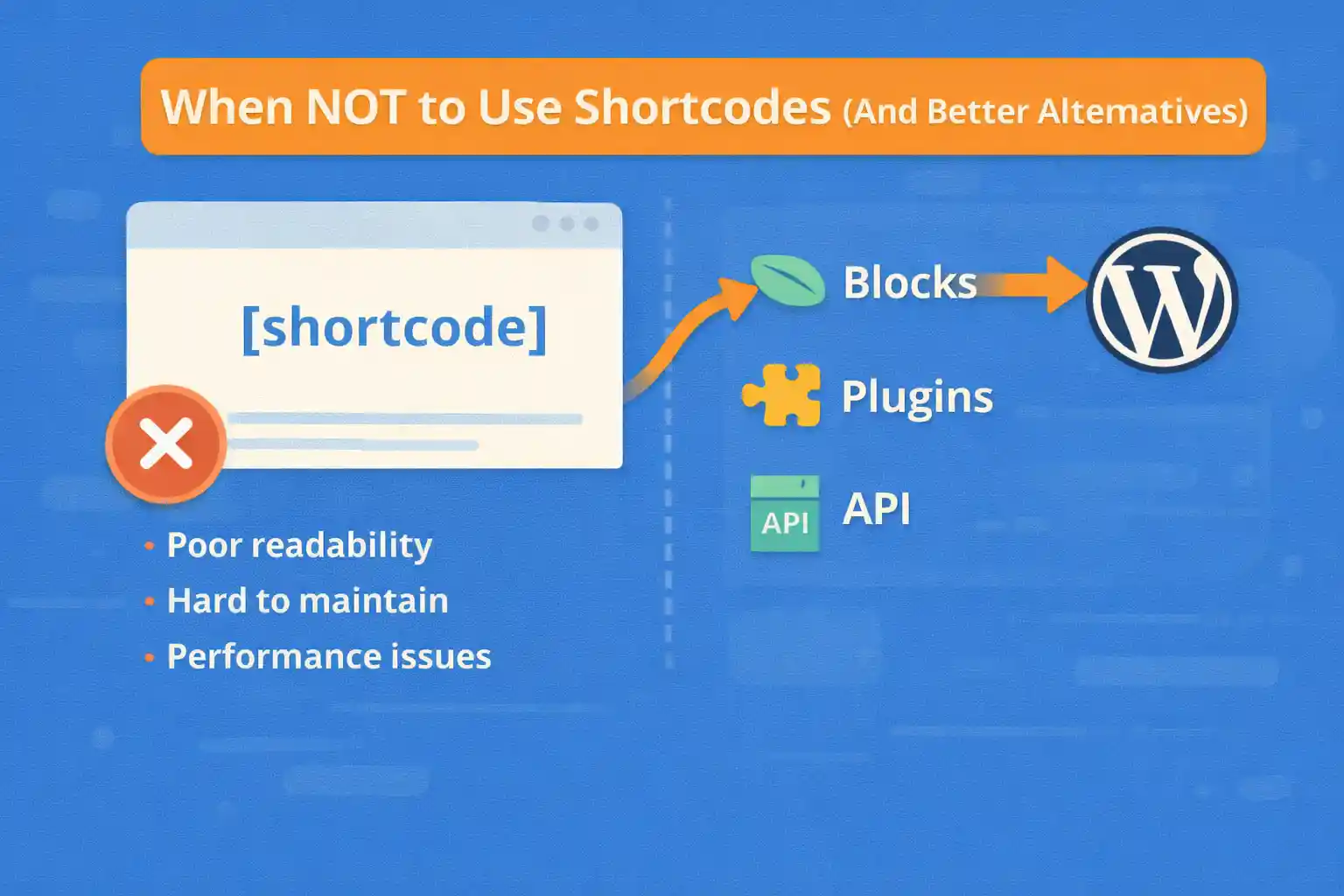
Shortcodes are a long-standing WordPress feature, and they can be useful in the right context. However, many performance, maintenance, and UX problems come from using shortcodes where they don’t belong.
This article explains when you should avoid shortcodes, why they cause issues, and what modern, safer alternatives you should use instead.
What Shortcodes Are Good At (Quick Context)
Shortcodes are best for:
- Simple, reusable content snippets
- User-insertable features inside the editor
- Backward compatibility with older content
But they are often misused far beyond these roles.
1) Don’t Use Shortcodes for Layout Structure
Using shortcodes to control layout (columns, grids, wrappers) is one of the most common mistakes.
Why This Is a Problem
- Nested shortcodes become unreadable
- Editor preview does not reflect the final layout
- Markup is hidden behind magic strings
- Hard to debug and refactor later
Example (problematic):
[row]
  [col width="8"]Content[/col]
  [col width="4"]Sidebar[/col]
[/row]
Better Alternatives
- Block Editor (Columns, Group, Grid blocks)
- Block Patterns for reusable layouts
- Template parts for structural layouts
Rule of thumb: Layout belongs to templates and blocks — not shortcodes.
2) Don’t Use Shortcodes Inside Theme Templates
Calling do_shortcode() inside PHP templates is a red flag in most cases.
Why This Is a Problem
- Slower execution (shortcode parsing is expensive)
- Hidden dependencies between templates and content
- Harder to trace where output comes from
- Breaks separation of concerns
Example (avoid):
<?php echo do_shortcode( '[featured_posts]' ); ?>Better Alternatives
- Call a PHP function directly
- Use a template partial
- Create a custom block (server-side or static)
Rule of thumb: If you’re in PHP already, use PHP — not shortcodes.
3) Don’t Use Shortcodes for Dynamic Data Logic
Shortcodes that query posts, users, or external APIs often grow into unmaintainable mini-apps.
Why This Is a Problem
- Complex attributes become fragile
- Logic is hidden inside content
- Performance issues are hard to trace
- No clear place for caching or optimization
Example (problematic):
[posts type="event" meta_key="date" order="ASC" limit="5"]Better Alternatives
- Custom block with clear attributes
- Dedicated template logic
- Query handled in PHP with caching
Blocks provide structured attributes, validation, and editor previews — all missing from shortcodes.
4) Don’t Use Shortcodes for Editor-Facing UI Components
Editors should not have to remember syntax.
Why This Is a Problem
- Typos break output silently
- No visual feedback in the editor
- Harder for non-technical editors
Example:
[cta text="Buy Now" url="/pricing" style="primary"]Better Alternatives
- Custom Gutenberg block with controls
- Reusable blocks for CTAs
- Block patterns with preset styles
Modern WordPress is visual-first — shortcodes are not.
5) Don’t Use Shortcodes for Site-Wide or Critical Content
Shortcodes embedded in content create hidden dependencies.
Why This Is a Problem
- Content breaks if the shortcode is removed
- Theme/plugin deactivation leaves raw shortcode text
- SEO-critical content may disappear
Examples:
- Primary navigation
- Important legal notices
- Key SEO text blocks
Better Alternatives
- Template parts
- Theme options / ACF fields
- Block-based global components
6) Don’t Use Shortcodes for Performance-Critical Features
Shortcodes execute during content rendering, often multiple times per page.
Why This Is a Problem
- No automatic caching
- Repeated database queries
- Hard to profile and optimize
Better Alternatives
- Cached PHP functions
- Server-side blocks with transient caching
- Pre-rendered template output
If performance matters, avoid shortcode-heavy pages.
When Shortcodes Still Make Sense
Shortcodes are not obsolete. They are still appropriate when:
- You need backward compatibility with classic content
- The output is simple and self-contained
- The feature is optional and non-critical
- You don’t control the theme (plugin distribution)
Even then, keep them small and predictable.
Modern Alternatives at a Glance
- Blocks: Editor-friendly, structured, future-proof
- Reusable Blocks: Consistency without syntax
- Block Patterns: Predefined layouts and sections
- Template Parts: Site-wide structural content
- PHP Functions: Clean, fast, and debuggable
Decision Guide
- Is this layout? → Block or template
- Is this editor-facing? → Block or pattern
- Is this dynamic logic? → PHP or server-side block
- Is this legacy content? → Shortcode (carefully)
Conclusion
Shortcodes are a legacy tool that still has a place — but that place is much smaller than it used to be. Overusing shortcodes leads to fragile content, poor editor experience, and performance issues.
Key takeaway:
If the feature is structural, dynamic, or editor-facing, shortcodes are usually the wrong tool. Prefer blocks, templates, and PHP-based solutions for modern WordPress development.
🎨 Want to learn more? Visit our WordPress Customization Hub for tips and advanced techniques.


















