How to Migrate Old Shortcodes Without Breaking Content
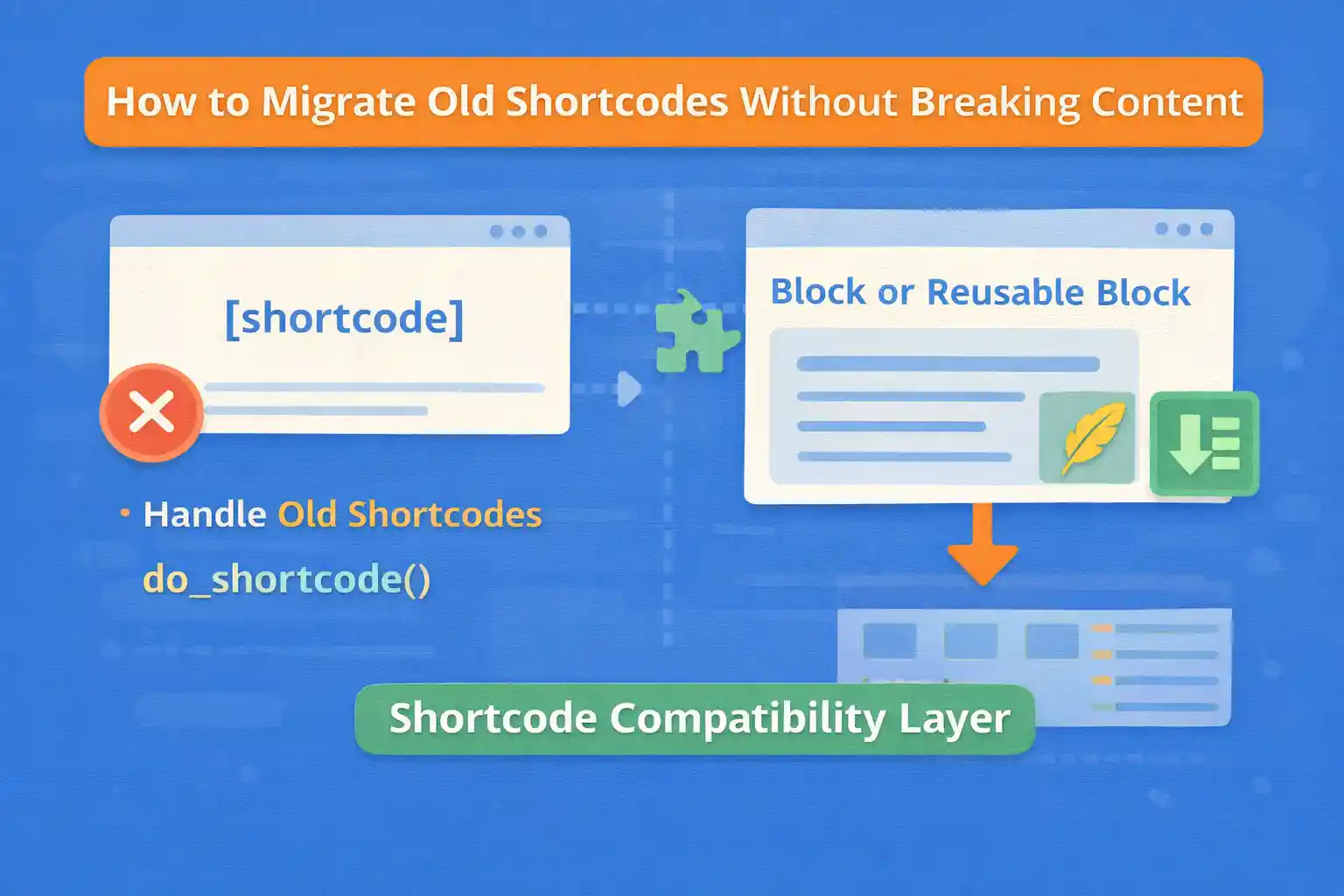
When you inherit an older WordPress site, shortcodes are often everywhere — posts, pages, widgets, and even custom fields. The problem appears when you want to modernize:
- You replace a plugin/theme and shortcodes stop working
- You want to migrate shortcodes to blocks or native markup
- You want cleaner content and better editor UX
This guide shows safe, practical ways to migrate old shortcodes without breaking existing content, including compatibility shims, phased migrations, and automated replacements.
Step 1: Identify What Shortcodes Exist (Inventory)
Before changing anything, list the shortcodes currently used on your site. A quick way is to search the database for [ and known shortcode names, or search inside your editor content.
If you want a simple code-based approach (run once), you can scan post content for shortcode patterns:
add_action( 'admin_init', function() {

  if ( ! current_user_can( 'manage_options' ) ) {
    return;
  }

  if ( ! isset( $_GET['scan_shortcodes'] ) ) {
    return;
  }

  $found = array();

  $q = new WP_Query( array(
    'post_type'      => 'any',
    'post_status'    => 'any',
    'posts_per_page' => -1,
    'fields'         => 'ids',
  ) );

  foreach ( $q->posts as $post_id ) {
    $content = (string) get_post_field( 'post_content', $post_id );

    if ( preg_match_all( '/\[([a-zA-Z0-9_-]+)(\s[^\]]*)?\]/', $content, $m ) ) {
      foreach ( $m[1] as $tag ) {
        $found[ $tag ] = true;
      }
    }
  }

  echo '<pre>';
  print_r( array_keys( $found ) );
  echo '</pre>';
  exit;

} );
Visit:
/wp-admin/?scan_shortcodes=1Remove the snippet after scanning.
Step 2: Decide Your Migration Strategy
There are three safe approaches. The best one depends on how much content you have and how complex the shortcode output is.
Strategy A: Keep Old Shortcodes Working (Compatibility Layer)
If you’re removing a plugin/theme that provided shortcodes, add a “shim” so existing content still renders.
Strategy B: Replace Shortcodes Automatically (Batch Migration)
Replace [old] with new markup or a new block comment syntax across posts.
Strategy C: Phased Migration
Keep shortcodes working now, but convert content gradually as you update posts.
Best practice: Start with A (no breakage), then do B/C when ready.
Option 1: Create a Compatibility Shortcode (Shim)
If the old shortcode is going away, register a replacement shortcode with the same tag name.
Example: old shortcode [button url="..."]Text[/button]
add_shortcode( 'button', function( $atts, $content = '' ) {

  $atts = shortcode_atts( array(
    'url' => '',
    'class' => 'btn',
  ), $atts, 'button' );

  $url = trim( (string) $atts['url'] );
  if ( $url === '' ) {
    return '';
  }

  $text = trim( wp_strip_all_tags( (string) $content ) );
  if ( $text === '' ) {
    $text = 'Read more';
  }

  return '<a class="' . esc_attr( $atts['class'] ) . '" href="' . esc_url( $url ) . '">' . esc_html( $text ) . '</a>';
} );
This prevents broken content immediately.
Option 2: Map Old Shortcodes to New Shortcodes
If you’re introducing a new shortcode name but want old content to still work, map old to new:
add_shortcode( 'old_button', function( $atts, $content = '' ) {
  return do_shortcode( '[new_button url="' . esc_attr( $atts['url'] ?? '' ) . '"]' . $content . '[/new_button]' );
} );
This is a transitional approach — useful during phased migrations.
Option 3: Replace Shortcodes with Blocks (Best Long-Term)
For modern WordPress, blocks are the best replacement for shortcodes because they:
- Have a visual editor UI
- Support structured attributes
- Avoid syntax errors
- Are easier for non-technical editors
There are two practical ways to migrate shortcodes to blocks:
- Convert shortcode output to block HTML markup
- Replace shortcodes with a custom dynamic block
For complex shortcodes, a dynamic block is usually the cleanest solution.
Option 4: Replace Shortcodes in Content Programmatically (Batch)
If you want to fully remove shortcodes from content, you can run a one-time migration script that updates posts.
Example: Replace [old_cta url="..."]Text[/old_cta] with a simple HTML link.
add_action( 'admin_init', function() {

  if ( ! current_user_can( 'manage_options' ) ) {
    return;
  }

  if ( ! isset( $_GET['migrate_shortcodes'] ) ) {
    return;
  }

  $q = new WP_Query( array(
    'post_type'      => 'any',
    'post_status'    => 'any',
    'posts_per_page' => -1,
    'fields'         => 'ids',
  ) );

  foreach ( $q->posts as $post_id ) {
    $content = (string) get_post_field( 'post_content', $post_id );

    if ( strpos( $content, '[old_cta' ) === false ) {
      continue;
    }

    $new_content = preg_replace_callback(
      '/\[old_cta([^\]]*)\](.*?)\[\/old_cta\]/s',
      function( $matches ) {

        $attr_string = $matches[1];
        $inner = trim( wp_strip_all_tags( $matches[2] ) );

        $atts = shortcode_parse_atts( $attr_string );
        $url  = isset( $atts['url'] ) ? (string) $atts['url'] : '';

        if ( $url === '' ) {
          return $inner;
        }

        if ( $inner === '' ) {
          $inner = 'Learn more';
        }

        return '<p><a class="cta-link" href="' . esc_url( $url ) . '">' . esc_html( $inner ) . '</a></p>';
      },
      $content
    );

    if ( $new_content !== $content ) {
      wp_update_post( array(
        'ID'           => $post_id,
        'post_content' => $new_content,
      ) );
    }
  }

  echo 'Done.';
  exit;

} );
Visit:
/wp-admin/?migrate_shortcodes=1Important: Always back up the database before running a batch update.
Option 5: Keep Rendering Shortcodes, But Hide Them from Editors
Sometimes you want old shortcodes to keep working, but you don’t want editors to add more of them.
In that case:
- Keep the shortcode handler for backward compatibility
- Remove shortcode buttons from the editor (if any)
- Add a block alternative and guide editors to use it
This is a realistic strategy for large sites.
Don’t Forget These Locations (Shortcodes Often Hide Here)
- Widgets (classic widget areas)
- Theme options and customizer fields
- ACF fields (textarea/WYSIWYG often contain shortcodes)
- Reusable blocks / patterns
- Page builder content
If you remove a shortcode provider, check these areas first.
SEO Safety Checklist
- Do not remove shortcodes until replacements are live
- Ensure output HTML stays semantically similar (headings, links, internal anchors)
- Avoid changing URLs inside shortcode-generated links without redirects
- Test key pages before and after migration
- Monitor Search Console for spikes in “Soft 404” or missing content
Conclusion
Shortcode migrations don’t have to be risky. The safest approach is to keep old shortcodes working (compatibility layer), then migrate gradually to blocks or clean HTML with a controlled batch process. With the right plan, you can modernize legacy content without breaking pages or losing SEO value.
Key takeaway:
Start with a compatibility shim to prevent breakage, then convert content to blocks or HTML when you’re ready.
🎨 Want to learn more? Visit our WordPress Customization Hub for tips and advanced techniques.


















