How to Add a Table of Contents Automatically in WordPress (Code-Based)
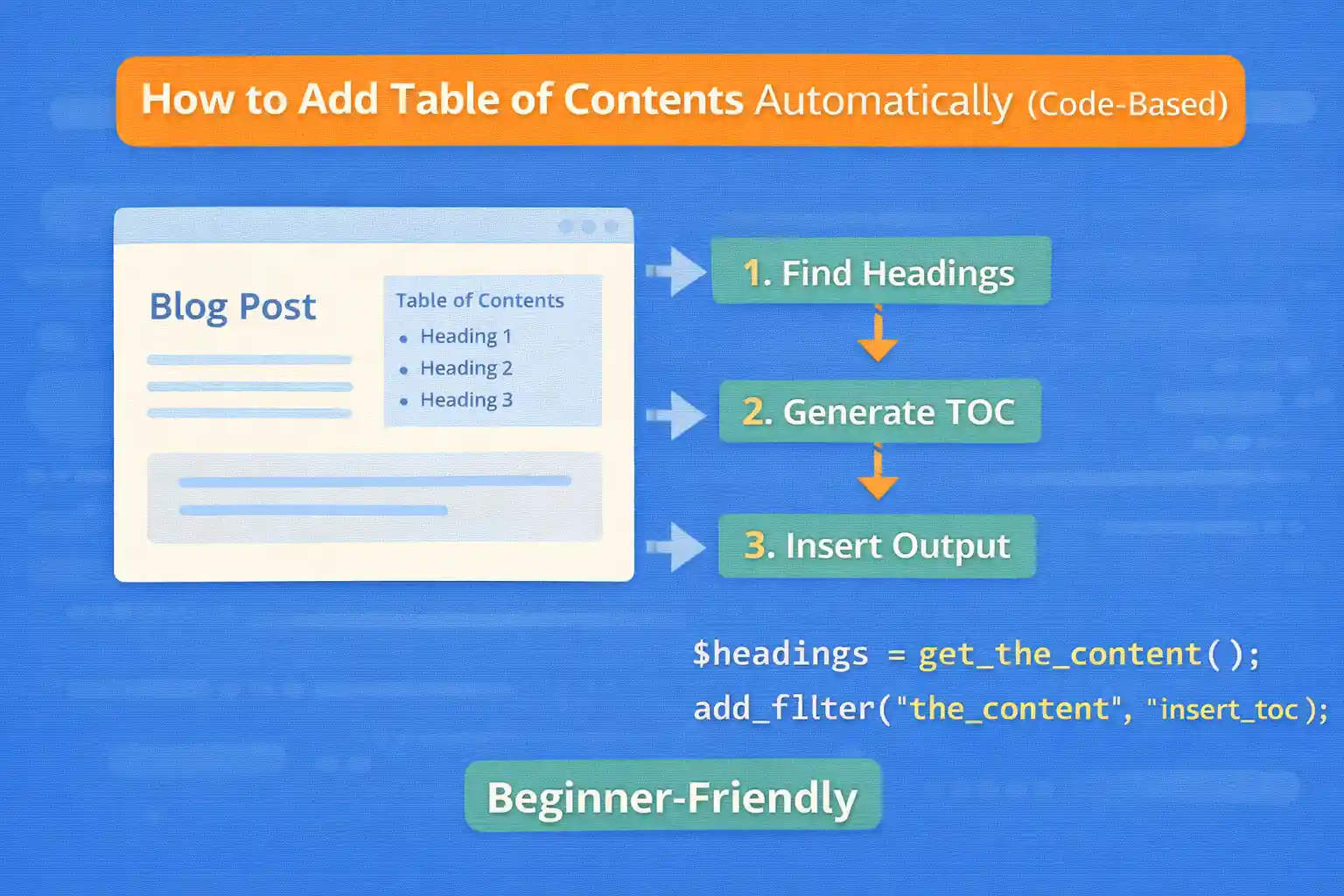
A table of contents (TOC) improves usability on long posts and can increase time on page. If you prefer a lightweight approach without a plugin, you can generate a TOC automatically from your post headings using a small PHP snippet.
This guide shows a safe, practical implementation that:
- Scans the post content for headings (H2–H3 by default)
- Adds missing IDs to headings automatically
- Builds a clickable TOC list
- Inserts the TOC at the top of the content (or after the first paragraph)
- Runs only on single posts (configurable)
What This Method Supports
- Classic editor HTML headings
- Block editor headings (they output normal
<h2>/<h3>tags on the front end) - Works without extra markup or plugins
If your content is heavily built with page builders that don’t output real heading tags, the TOC won’t have anything to detect.
Step 1: Add the TOC Generator Code
Add this to functions.php (or a custom plugin). It uses a robust regex approach and keeps output sanitized.
<?php
/**
 * Auto Table of Contents (TOC) from headings.
 * - Adds IDs to headings if missing
 * - Generates a TOC list
 * - Inserts into content (single posts only by default)
 */

add_filter( 'the_content', function( $content ) {

  // Only front-end main content.
  if ( is_admin() ) return $content;

  // Limit where TOC appears.
  if ( ! is_singular( 'post' ) ) return $content;

  // Avoid affecting excerpts or secondary loops.
  if ( ! in_the_loop() || ! is_main_query() ) return $content;

  // Optional: require minimum content length (prevents TOC on tiny posts).
  if ( strlen( wp_strip_all_tags( $content ) ) < 800 ) return $content;

  // Heading levels to include (adjust as needed).
  $allowed_tags = array( 'h2', 'h3' );

  // Find headings.
  $pattern = '/<(h2|h3)\b([^>]*)>(.*?)<\/\1>/is';
  if ( ! preg_match_all( $pattern, $content, $matches, PREG_SET_ORDER ) ) {
    return $content;
  }

  // Build TOC entries and inject IDs where missing.
  $toc_items = array();
  $used_ids  = array();

  $content_with_ids = preg_replace_callback( $pattern, function( $m ) use ( &$toc_items, &$used_ids, $allowed_tags ) {

    $tag   = strtolower( $m[1] );
    $attrs = (string) $m[2];
    $inner = (string) $m[3];

    if ( ! in_array( $tag, $allowed_tags, true ) ) {
      return $m[0];
    }

    // Strip nested tags from label for TOC text (keeps it clean).
    $label = trim( wp_strip_all_tags( $inner ) );
    if ( $label === '' ) {
      return $m[0];
    }

    // Extract existing ID if present.
    $id = '';
    if ( preg_match( '/\sid\s*=\s*([\'"])(.*?)\1/i', $attrs, $id_match ) ) {
      $id = sanitize_title( $id_match[2] );
    }

    // If no ID, generate one from the label.
    if ( $id === '' ) {
      $base = sanitize_title( $label );
      if ( $base === '' ) {
        $base = 'section';
      }

      $id = $base;
      $i  = 2;

      // Ensure uniqueness.
      while ( isset( $used_ids[ $id ] ) ) {
        $id = $base . '-' . $i;
        $i++;
      }
    }

    $used_ids[ $id ] = true;

    // Store TOC item with depth level.
    $toc_items[] = array(
      'id'    => $id,
      'label' => $label,
      'level' => $tag,
    );

    // If heading already has id attribute, keep original heading intact.
    if ( preg_match( '/\sid\s*=/i', $attrs ) ) {
      return $m[0];
    }

    // Otherwise inject id into heading tag.
    $attrs = rtrim( $attrs );
    return '<' . $tag . $attrs . ' id="' . esc_attr( $id ) . '">' . $inner . '</' . $tag . '>';

  }, $content );

  // Require at least 2 headings (otherwise TOC is noise).
  if ( count( $toc_items ) < 2 ) {
    return $content_with_ids;
  }

  // Build TOC HTML (no tables; simple list).
  $toc  = '<nav class="toc" aria-label="Table of contents">';
  $toc .= '<h2 class="toc-title">Table of Contents</h2>';
  $toc .= '<ol class="toc-list">';

  $open_sub = false;
  $prev_level = 'h2';

  foreach ( $toc_items as $item ) {
    $level = $item['level'];

    // Handle nesting: h3 inside h2.
    if ( $prev_level === 'h2' && $level === 'h3' ) {
      $toc .= '<ol class="toc-sublist">';
      $open_sub = true;
    }

    if ( $prev_level === 'h3' && $level === 'h2' && $open_sub ) {
      $toc .= '</ol>';
      $open_sub = false;
    }

    $toc .= '<li class="toc-item toc-item-' . esc_attr( $level ) . '">';
    $toc .= '<a href="#' . esc_attr( $item['id'] ) . '">' . esc_html( $item['label'] ) . '</a>';
    $toc .= '</li>';

    $prev_level = $level;
  }

  if ( $open_sub ) {
    $toc .= '</ol>';
  }

  $toc .= '</ol>';
  $toc .= '</nav>';

  // Insert TOC location:
  // Option A: prepend to content
  // return $toc . $content_with_ids;

  // Option B (recommended): insert after the first paragraph if possible
  if ( preg_match( '/<p\b[^>]*>.*?<\/p>/is', $content_with_ids, $p_match, PREG_OFFSET_CAPTURE ) ) {
    $first_p_html = $p_match[0][0];
    $pos_end = $p_match[0][1] + strlen( $first_p_html );
    return substr( $content_with_ids, 0, $pos_end ) . $toc . substr( $content_with_ids, $pos_end );
  }

  // Fallback: prepend
  return $toc . $content_with_ids;

}, 20 );
Step 2: Add Basic TOC Styling (Optional)
Add this to your theme CSS. It stays minimal and readable.
.toc {
  border: 1px solid #e5e5e5;
  padding: 16px;
  margin: 24px 0;
}

.toc-title {
  margin: 0 0 12px;
  font-size: 1.1rem;
}

.toc-list,
.toc-sublist {
  margin: 0;
  padding-left: 1.25em;
}

.toc-item {
  margin: 6px 0;
}

.toc-item-h3 {
  margin-left: 0.5em;
}
Common Customizations
Include H4 Headings Too
Edit:
$allowed_tags = array( 'h2', 'h3', 'h4' );Then update the regex pattern to include h4:
$pattern = '/<(h2|h3|h4)\b([^>]*)>(.*?)<\/\1>/is';Show TOC Only When There Are Enough Headings
Adjust this line:
if ( count( $toc_items ) < 2 ) { return $content_with_ids; }Example: show TOC only when there are 4+ headings:
if ( count( $toc_items ) < 4 ) { return $content_with_ids; }Disable TOC on Specific Posts
Add a custom field like disable_toc and check it:
if ( get_post_meta( get_the_ID(), 'disable_toc', true ) ) {
  return $content;
}
SEO Notes
- A TOC can improve internal page navigation and user engagement.
- Keep headings meaningful (don’t use “Section 1 / Section 2” everywhere).
- Don’t generate a TOC for short posts—avoid clutter.
Common Pitfalls to Avoid
- Generating IDs that aren’t unique (this code prevents duplicates)
- Including too many heading levels (TOC becomes noisy)
- Running TOC generation on every archive item (use
is_main_query()+is_singular()) - Using a TOC on posts with only 1 heading (adds no value)
Conclusion
You can add an automatic, lightweight table of contents in WordPress without a plugin by scanning headings, adding IDs, and injecting a simple list-based TOC into the content. It’s fast, maintainable, and flexible—perfect for performance-focused sites.
Key takeaway:
Generate TOC from real headings, keep it minimal, and only show it when it improves navigation.
🎨 Want to learn more? Visit our WordPress Customization Hub for tips and advanced techniques.


















