How to Create an OR Search Across Meta Fields and Taxonomies (WordPress)
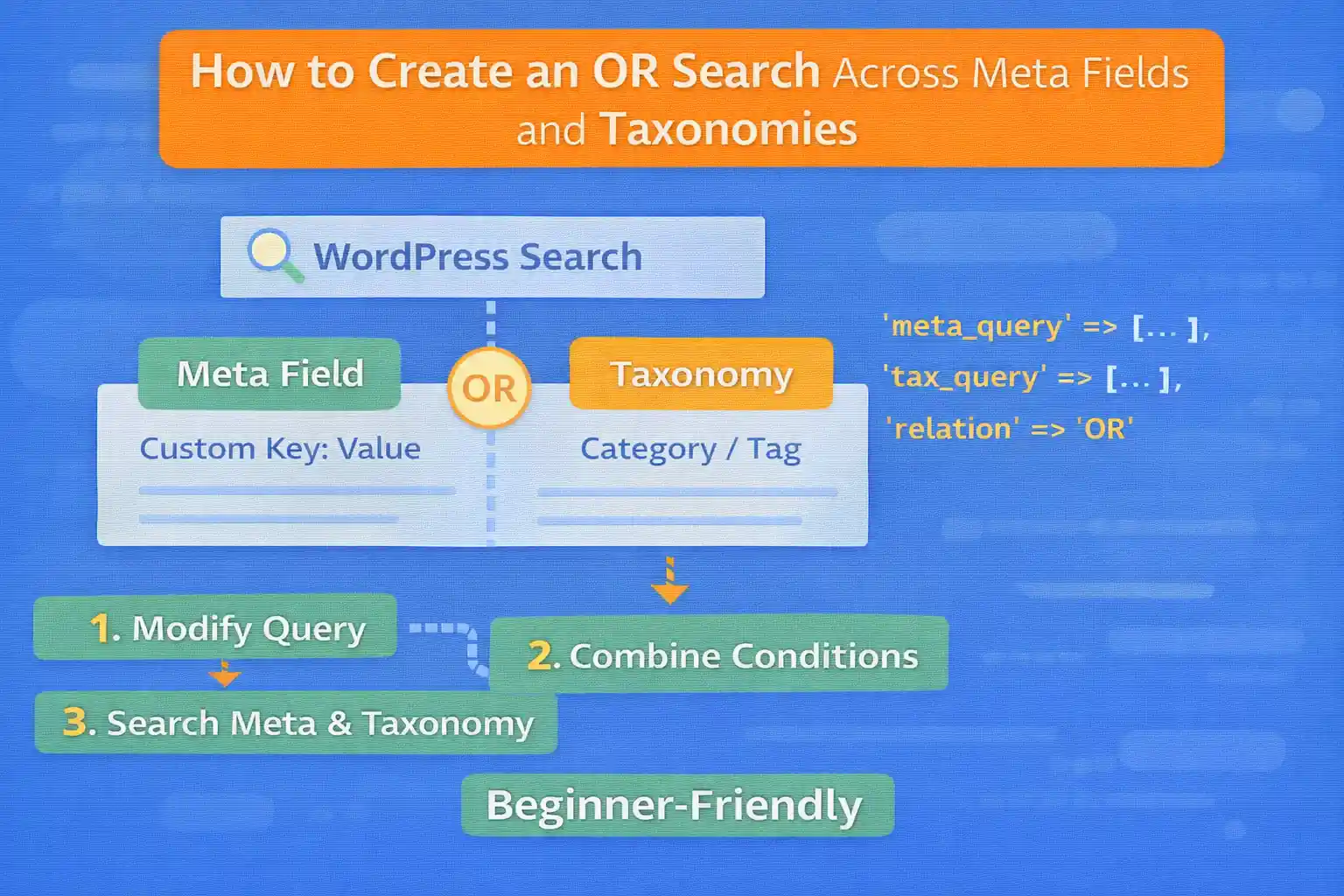
WordPress search is great for titles/content, but real sites often need more: searching across custom fields (meta) and taxonomies. The tricky part is OR logic across different query types.
Example goal:
- Match posts if the keyword is found in a meta field OR
- Match posts if the post belongs to a selected taxonomy term OR
- Optionally combine with other filters using AND
This guide shows a reliable pattern: run separate queries for each OR “bucket,” merge IDs, then pass them into the main query.
Why WP_Query Can’t Do Meta OR Taxonomy OR (Directly)
Within a single WP_Query:
meta_querycan do OR/AND across meta conditionstax_querycan do OR/AND across taxonomy conditions
But there is no native way to say:
(meta matches) OR (taxonomy matches)
That’s why the “merge IDs” method is a clean solution.
Approach: Build OR Results Using Post IDs
We’ll:
- Run a meta-field query (returns IDs)
- Run a taxonomy query (returns IDs)
- Merge IDs with
array_unique() - Apply optional AND filters via
array_intersect() - Set
post__inon the main query
Step 1: Get Search Inputs (Example)
Assume a search form sends:
s(keyword)category[](taxonomy term IDs)dt_field[](meta values)
Sanitize inputs:
$keyword = isset( $_GET['s'] ) ? sanitize_text_field( $_GET['s'] ) : '';

$term_ids = array();
if ( isset( $_GET['category'] ) && is_array( $_GET['category'] ) ) {
  $term_ids = array_map( 'intval', $_GET['category'] );
  $term_ids = array_values( array_filter( $term_ids ) );
}

$dt_field_values = array();
if ( isset( $_GET['dt_field'] ) && is_array( $_GET['dt_field'] ) ) {
  $dt_field_values = array_map( 'sanitize_text_field', $_GET['dt_field'] );
  $dt_field_values = array_values( array_filter( $dt_field_values ) );
}
Step 2: Run the Meta OR Query (IDs Only)
This query returns IDs for posts that match any of the selected meta values.
$or_ids = array();

if ( ! empty( $dt_field_values ) || $keyword !== '' ) {

  $meta_query = array( 'relation' => 'OR' );

  foreach ( $dt_field_values as $val ) {
    $meta_query[] = array(
      'key'     => 'dt_field',
      'value'   => $val,
      'compare' => 'LIKE',
    );
  }

  // Optional: include keyword match against a meta field too
  if ( $keyword !== '' ) {
    $meta_query[] = array(
      'key'     => 'dt_field',
      'value'   => $keyword,
      'compare' => 'LIKE',
    );
  }

  $meta_q = new WP_Query( array(
    'post_type'      => 'post',
    'posts_per_page' => -1,
    'fields'         => 'ids',
    'no_found_rows'  => true,
    'meta_query'     => $meta_query,
  ) );

  $or_ids = array_merge( $or_ids, $meta_q->posts );
}
Step 3: Run the Taxonomy OR Query (IDs Only)
if ( ! empty( $term_ids ) ) {

  $tax_q = new WP_Query( array(
    'post_type'      => 'post',
    'posts_per_page' => -1,
    'fields'         => 'ids',
    'no_found_rows'  => true,
    'tax_query'      => array(
      array(
        'taxonomy' => 'category',
        'field'    => 'term_id',
        'terms'    => $term_ids,
        'operator' => 'IN',
      ),
    ),
  ) );

  $or_ids = array_merge( $or_ids, $tax_q->posts );
}
Step 4: Merge IDs and Apply to the Main Query
Now we apply the OR results by setting post__in in pre_get_posts.
add_action( 'pre_get_posts', function( $query ) {

  if ( is_admin() || ! $query->is_main_query() ) {
    return;
  }

  // Adjust condition to match your search page.
  if ( ! $query->is_search() ) {
    return;
  }

  $keyword = isset( $_GET['s'] ) ? sanitize_text_field( $_GET['s'] ) : '';

  $term_ids = array();
  if ( isset( $_GET['category'] ) && is_array( $_GET['category'] ) ) {
    $term_ids = array_map( 'intval', $_GET['category'] );
    $term_ids = array_values( array_filter( $term_ids ) );
  }

  $dt_field_values = array();
  if ( isset( $_GET['dt_field'] ) && is_array( $_GET['dt_field'] ) ) {
    $dt_field_values = array_map( 'sanitize_text_field', $_GET['dt_field'] );
    $dt_field_values = array_values( array_filter( $dt_field_values ) );
  }

  $has_conditions = ( $keyword !== '' ) || ! empty( $term_ids ) || ! empty( $dt_field_values );

  // If no filters at all, return all posts (important UX).
  if ( ! $has_conditions ) {
    $query->set( 'post_type', array( 'post' ) );
    return;
  }

  $or_ids = array();

  // 1) Keyword search (title/content) - OR bucket
  if ( $keyword !== '' ) {
    $kq = new WP_Query( array(
      'post_type'      => 'post',
      'posts_per_page' => -1,
      'fields'         => 'ids',
      's'              => $keyword,
      'no_found_rows'  => true,
    ) );
    $or_ids = array_merge( $or_ids, $kq->posts );
  }

  // 2) Meta OR bucket
  if ( ! empty( $dt_field_values ) ) {

    $meta_query = array( 'relation' => 'OR' );

    foreach ( $dt_field_values as $val ) {
      $meta_query[] = array(
        'key'     => 'dt_field',
        'value'   => $val,
        'compare' => 'LIKE',
      );
    }

    $mq = new WP_Query( array(
      'post_type'      => 'post',
      'posts_per_page' => -1,
      'fields'         => 'ids',
      'no_found_rows'  => true,
      'meta_query'     => $meta_query,
    ) );

    $or_ids = array_merge( $or_ids, $mq->posts );
  }

  // 3) Taxonomy OR bucket
  if ( ! empty( $term_ids ) ) {

    $tq = new WP_Query( array(
      'post_type'      => 'post',
      'posts_per_page' => -1,
      'fields'         => 'ids',
      'no_found_rows'  => true,
      'tax_query'      => array(
        array(
          'taxonomy' => 'category',
          'field'    => 'term_id',
          'terms'    => $term_ids,
          'operator' => 'IN',
        ),
      ),
    ) );

    $or_ids = array_merge( $or_ids, $tq->posts );
  }

  $or_ids = array_values( array_unique( array_map( 'intval', $or_ids ) ) );

  // If no OR results, force no results.
  if ( empty( $or_ids ) ) {
    $query->set( 'post__in', array( 0 ) );
    return;
  }

  // Apply OR results to main query (keeps pagination).
  $query->set( 'post__in', $or_ids );
  $query->set( 'orderby', 'post__in' );

  // Important: prevent WP from also applying default keyword search again if you already handled it.
  // If you want to keep default keyword searching, remove this line.
  $query->set( 's', '' );

  $query->set( 'post_type', array( 'post' ) );

}, 20 );
This pattern is predictable and avoids trying to hack SQL directly.
Optional: Add AND Filters on Top (Intersect)
Sometimes you want:
(meta OR taxonomy OR keyword) AND (has_specification = 1)
You can get the AND bucket IDs, then intersect:
$and_ids = array();

// Example AND condition: meta key exists / equals value
$aq = new WP_Query( array(
  'post_type'      => 'post',
  'posts_per_page' => -1,
  'fields'         => 'ids',
  'no_found_rows'  => true,
  'meta_query'     => array(
    array(
      'key'     => 'dt_specification',
      'value'   => '1',
      'compare' => '=',
    ),
  ),
) );

$and_ids = $aq->posts;

// Apply AND constraint to OR results:
$or_ids = array_intersect( $or_ids, $and_ids );
This is the same idea: OR via merging, AND via intersecting.
Performance Tips
- Use
'fields' => 'ids'for the sub-queries (faster, less memory) - Set
'no_found_rows' => truebecause you don’t need pagination in sub-queries - Keep sub-queries focused (don’t fetch full post objects)
- On very large sites, consider caching OR results (transient keyed by filters)
Common Mistakes to Avoid
- Trying to do
meta_queryORtax_queryin a single WP_Query (not supported directly) - Forgetting to handle the “no filters” case (users see 0 results)
- Not clearing
safter custom keyword handling (double filtering) - Using raw SQL without guarding pagination and search behavior
Conclusion
To implement an OR search across meta fields and taxonomies in WordPress, the most reliable approach is to gather matching post IDs from each condition (meta, taxonomy, keyword) and merge them into the main query using post__in. It’s predictable, pagination-friendly, and easier to maintain than SQL hacks.
Key takeaway:
Use separate ID queries for each OR bucket, merge with array_unique(), and apply the result via pre_get_posts.
🎨 Want to learn more? Visit our WordPress Customization Hub for tips and advanced techniques.


















