How to Add Custom Admin Notices (Dismissible)
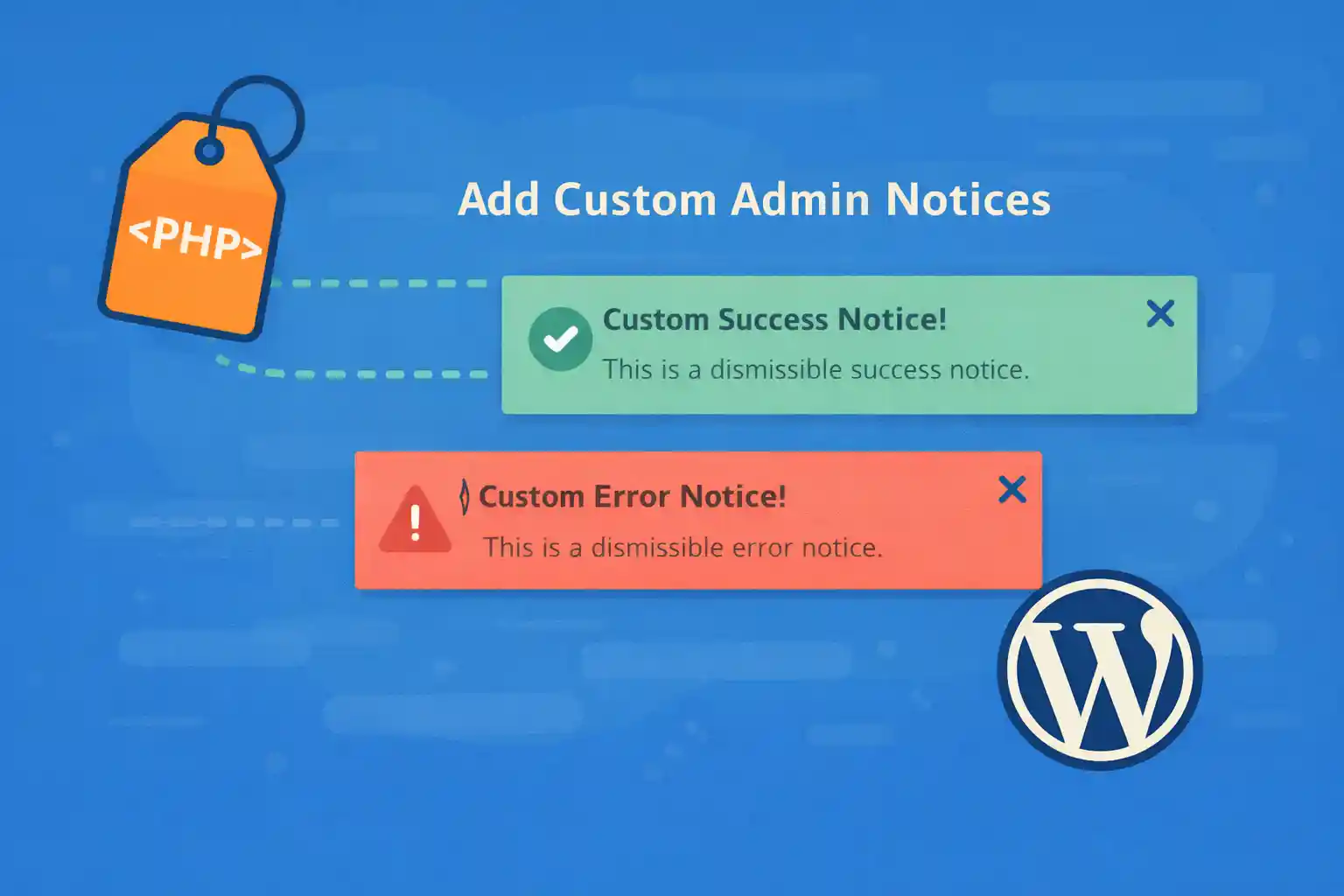
How to Add Custom Admin Notices (Dismissible)
Admin notices are one of the simplest ways to communicate important messages to editors and admins:
content guidelines, migration warnings, required actions, or environment banners (staging vs production).
This article shows a production-safe approach to creating dismissible custom admin notices
without relying on plugins, including:
- Showing notices only on specific admin screens
- Dismissing per-user (stored in user meta)
- Adding an optional “Remind me later” behavior (stored with expiration)
- Nonce-protected dismissal to prevent abuse
Why Use User Meta for Dismissal
WordPress admin is shared by multiple users. A global option would dismiss the notice for everyone,
which is rarely what you want. Using user_meta makes dismissal per-user and scalable.
Recommended Implementation
The following code provides a reusable system:
- Register one or more notices with unique IDs
- Render them via
admin_notices - Dismiss via a nonce-protected URL (no JavaScript required)
1) Add the Notice Renderer
<?php
/**
 * Dismissible admin notices (per-user).
 *
 * Drop this into functions.php or a small mu-plugin.
 */

add_action( 'admin_notices', function () {
  if ( ! is_user_logged_in() ) {
    return;
  }

  // Only show to users who can manage the site (adjust as needed).
  if ( ! current_user_can( 'manage_options' ) ) {
    return;
  }

  $screen = function_exists( 'get_current_screen' ) ? get_current_screen() : null;
  $screen_id = $screen ? (string) $screen->id : '';

  // Example: show only on Dashboard + Pages list.
  $allowed_screens = array( 'dashboard', 'edit-page' );
  if ( $screen_id && ! in_array( $screen_id, $allowed_screens, true ) ) {
    return;
  }

  $notices = wpct_get_admin_notices();

  foreach ( $notices as $notice ) {
    wpct_render_admin_notice( $notice );
  }
} );

/**
 * Define notices in one place.
 *
 * Each notice must have a stable unique ID.
 */
function wpct_get_admin_notices(): array {
  return array(
    array(
      'id'      => 'wpct_env_banner',
      'type'    => 'warning', // success|info|warning|error
      'message' => 'You are currently viewing the STAGING environment. Do not publish urgent content here.',
      'cap'     => 'manage_options',
      'mode'    => 'dismiss', // dismiss|remind (optional behavior)
      'remind_days' => 3,      // only used when mode=remind
    ),
    array(
      'id'      => 'wpct_editor_guideline',
      'type'    => 'info',
      'message' => 'Reminder: Use the Featured Image at 1280×720 and avoid uploading uncompressed PNGs.',
      'cap'     => 'edit_pages',
      'mode'    => 'dismiss',
    ),
  );
}

/**
 * Render a single notice if not dismissed (or if reminder expired).
 */
function wpct_render_admin_notice( array $notice ): void {
  $user_id = get_current_user_id();

  $id      = isset( $notice['id'] ) ? (string) $notice['id'] : '';
  $type    = isset( $notice['type'] ) ? (string) $notice['type'] : 'info';
  $message = isset( $notice['message'] ) ? (string) $notice['message'] : '';
  $cap     = isset( $notice['cap'] ) ? (string) $notice['cap'] : '';

  if ( $id === '' || $message === '' ) {
    return;
  }

  if ( $cap && ! current_user_can( $cap ) ) {
    return;
  }

  // Dismiss state stored per user.
  $meta_key_dismissed = 'wpct_notice_dismissed_' . $id;
  $meta_key_until     = 'wpct_notice_until_' . $id; // for "remind me later"

  $dismissed = (string) get_user_meta( $user_id, $meta_key_dismissed, true );
  if ( $dismissed === '1' ) {
    return;
  }

  // Optional: reminder expiration (if set, hide until timestamp).
  $until = (int) get_user_meta( $user_id, $meta_key_until, true );
  if ( $until > time() ) {
    return;
  }

  // Build dismissal URL (nonce protected).
  $dismiss_url = wp_nonce_url(
    add_query_arg(
      array(
        'wpct_notice_action' => 'dismiss',
        'wpct_notice_id'     => $id,
      ),
      admin_url()
    ),
    'wpct_notice_' . $id
  );

  // Optional "remind me later" URL.
  $remind_url = '';
  if ( isset( $notice['mode'] ) && $notice['mode'] === 'remind' ) {
    $remind_url = wp_nonce_url(
      add_query_arg(
        array(
          'wpct_notice_action' => 'remind',
          'wpct_notice_id'     => $id,
        ),
        admin_url()
      ),
      'wpct_notice_' . $id
    );
  }

  $allowed_types = array( 'success', 'info', 'warning', 'error' );
  if ( ! in_array( $type, $allowed_types, true ) ) {
    $type = 'info';
  }

  echo '<div class="notice notice-' . esc_attr( $type ) . ' is-dismissible">';
  echo '<p>' . esc_html( $message ) . '</p>';
  echo '<p>';
  echo '<a href="' . esc_url( $dismiss_url ) . '">' . esc_html__( 'Dismiss', 'default' ) . '</a>';
  if ( $remind_url ) {
    echo ' | <a href="' . esc_url( $remind_url ) . '">' . esc_html__( 'Remind me later', 'default' ) . '</a>';
  }
  echo '</p>';
  echo '</div>';
}
2) Handle Dismiss / Remind Actions Securely
Now add a handler that runs in admin to store dismissal state in user meta.
<?php
add_action( 'admin_init', function () {
  if ( ! is_user_logged_in() ) {
    return;
  }

  $action = isset( $_GET['wpct_notice_action'] ) ? sanitize_key( (string) $_GET['wpct_notice_action'] ) : '';
  $id     = isset( $_GET['wpct_notice_id'] ) ? sanitize_key( (string) $_GET['wpct_notice_id'] ) : '';

  if ( $action === '' || $id === '' ) {
    return;
  }

  // Validate nonce
  if ( ! isset( $_GET['_wpnonce'] ) || ! wp_verify_nonce( (string) $_GET['_wpnonce'], 'wpct_notice_' . $id ) ) {
    return;
  }

  $user_id = get_current_user_id();

  // Optional capability gate (keep it simple: only logged-in users can dismiss their own notices).
  if ( ! current_user_can( 'read' ) ) {
    return;
  }

  $meta_key_dismissed = 'wpct_notice_dismissed_' . $id;
  $meta_key_until     = 'wpct_notice_until_' . $id;

  if ( $action === 'dismiss' ) {
    update_user_meta( $user_id, $meta_key_dismissed, '1' );
    delete_user_meta( $user_id, $meta_key_until );
  }

  if ( $action === 'remind' ) {
    // Default: hide for 3 days if not configured elsewhere.
    $days  = 3;
    $until = time() + ( $days * DAY_IN_SECONDS );
    update_user_meta( $user_id, $meta_key_until, (string) $until );
  }

  // Redirect back to remove query args (prevents repeated actions on refresh).
  wp_safe_redirect( remove_query_arg( array( 'wpct_notice_action', 'wpct_notice_id', '_wpnonce' ) ) );
  exit;
} );
Make “Remind Me Later” Respect Per-Notice Days
The sample uses a default of 3 days. If you want per-notice configuration (recommended),
store the days in the notice definition and read it inside the handler.
A simple approach is to look up the notice by ID.
<?php
function wpct_get_notice_by_id( string $id ): array {
  foreach ( wpct_get_admin_notices() as $notice ) {
    if ( isset( $notice['id'] ) && (string) $notice['id'] === $id ) {
      return $notice;
    }
  }
  return array();
}
<?php
// Replace the "remind" block in admin_init handler with this:
if ( $action === 'remind' ) {
  $notice = wpct_get_notice_by_id( $id );

  $days = 3;
  if ( isset( $notice['remind_days'] ) && is_numeric( $notice['remind_days'] ) ) {
    $days = max( 1, (int) $notice['remind_days'] );
  }

  $until = time() + ( $days * DAY_IN_SECONDS );
  update_user_meta( $user_id, $meta_key_until, (string) $until );
}
Targeting Specific Admin Screens
If you need more precise targeting, check the current screen ID and only render the notice where it matters.
Common screen IDs include:
dashboardedit-post(Posts list)edit-page(Pages list)post(Post edit)page(Page edit)
This reduces noise and increases the chance the notice is actually read.
Common Mistakes to Avoid
- Storing dismissal globally in
options(dismisses for everyone) - Skipping nonce checks (allows forced dismissal via crafted URLs)
- Showing notices on every screen (notice blindness)
- Relying on JavaScript-only dismissal (breaks with strict admin environments)
Advanced Tip: Multiple Notices Without Clutter
If you plan to add many notices, treat them as “messages” with:
- Stable IDs
- Clear capabilities
- Screen targeting
- Expiry or reminder logic
This keeps the admin usable and avoids training users to ignore notices.
Summary
- Use
admin_noticesto render andadmin_initto process dismissal actions - Store dismissal per-user via
user_meta - Protect actions with nonces
- Target specific screens and capabilities
- Optionally add “Remind me later” with an expiration timestamp
🎨 Want to learn more? Visit our WordPress Customization Hub for tips and advanced techniques.


















