How to Redirect Users After Login by Role
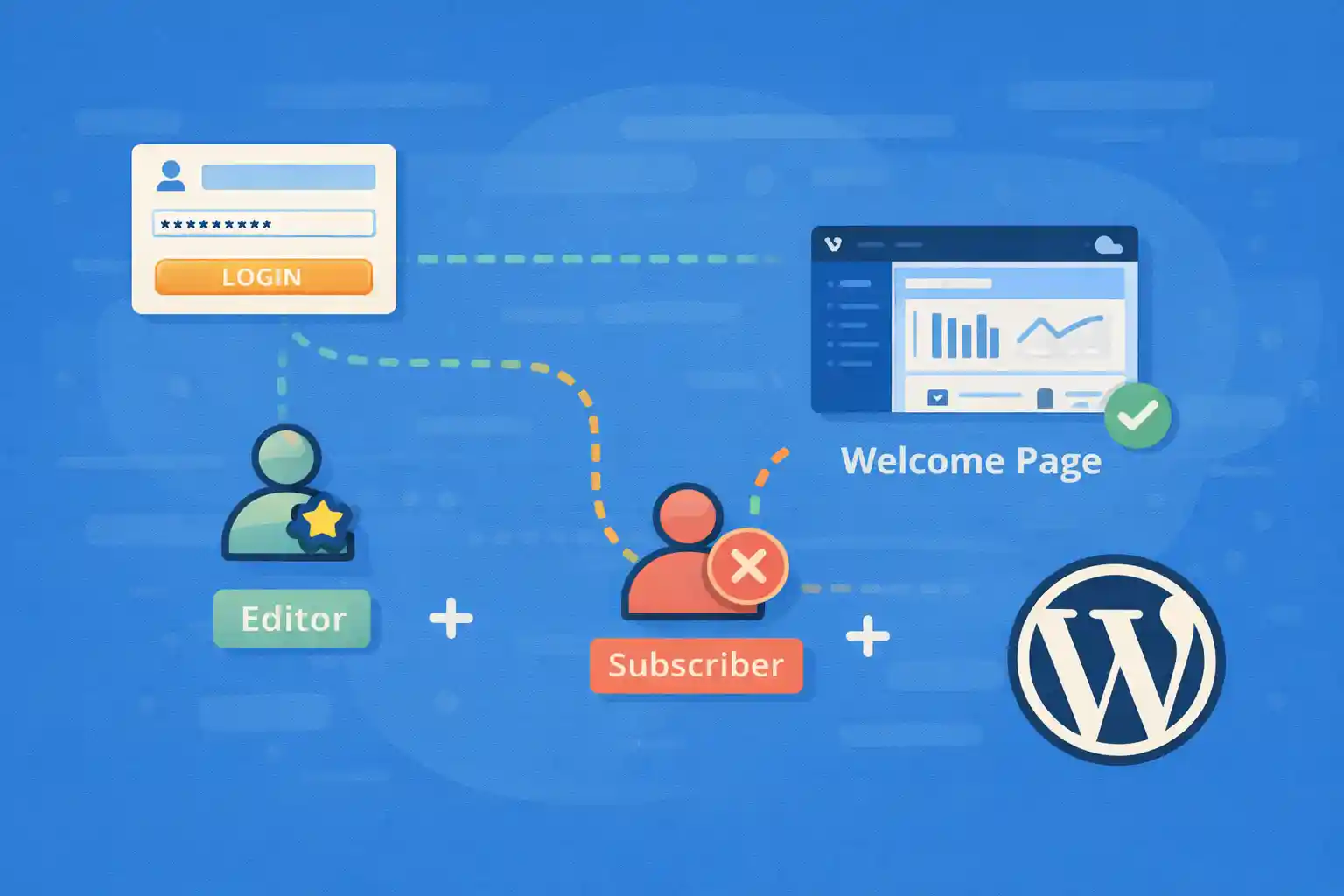
By default, WordPress redirects users to the Dashboard after login.
However, in real-world projects, different user roles often need different destinations:
- Editors → Posts list
- Authors → Their own posts
- Subscribers → Front-end homepage or members area
- Clients → A specific admin screen or custom page
This article explains how to redirect users after login based on role or capability
using clean, plugin-free code that works reliably with WordPress core behavior.
Key Principle: Use Capabilities, Not Role Names
Although the filter name mentions “login”, WordPress authorization is capability-based.
Roles are simply collections of capabilities.
For maintainability, prefer checks like:
current_user_can( 'manage_options' )current_user_can( 'edit_posts' )current_user_can( 'read' )
This avoids hard dependencies on role slugs and works with custom roles.
Basic Redirect Using login_redirect
The correct hook for post-login redirects is login_redirect.
It fires after authentication and before the redirect occurs.
Simple Role-Based Redirect
<?php
add_filter( 'login_redirect', function ( $redirect_to, $requested, $user ) {

  if ( ! $user || is_wp_error( $user ) ) {
    return $redirect_to;
  }

  if ( in_array( 'administrator', (array) $user->roles, true ) ) {
    return admin_url();
  }

  if ( in_array( 'editor', (array) $user->roles, true ) ) {
    return admin_url( 'edit.php' );
  }

  if ( in_array( 'subscriber', (array) $user->roles, true ) ) {
    return home_url();
  }

  return $redirect_to;
}, 10, 3 );
This works, but checking role names directly does not scale well.
Next, let’s improve it.
Recommended Approach: Capability-Based Redirect
This version relies on capabilities instead of role slugs.
It is more flexible and future-proof.
<?php
add_filter( 'login_redirect', function ( $redirect_to, $requested, $user ) {

  if ( ! $user || is_wp_error( $user ) ) {
    return $redirect_to;
  }

  // Site administrators
  if ( user_can( $user, 'manage_options' ) ) {
    return admin_url();
  }

  // Editors / Authors
  if ( user_can( $user, 'edit_posts' ) ) {
    return admin_url( 'edit.php' );
  }

  // Logged-in users without edit capability (subscribers, members)
  if ( user_can( $user, 'read' ) ) {
    return home_url( '/members/' );
  }

  return $redirect_to;
}, 10, 3 );
Benefits of this approach:
- Works with custom roles
- Handles capability changes gracefully
- Clear intent in code
Respect Requested Redirects (Important)
WordPress sometimes passes a requested redirect URL
(e.g. when accessing a protected admin page before login).
You should respect it when appropriate to avoid breaking core flows.
<?php
add_filter( 'login_redirect', function ( $redirect_to, $requested, $user ) {

  if ( ! $user || is_wp_error( $user ) ) {
    return $redirect_to;
  }

  // If WordPress already requested a specific admin URL, respect it
  if ( ! empty( $requested ) ) {
    return $requested;
  }

  if ( user_can( $user, 'manage_options' ) ) {
    return admin_url();
  }

  if ( user_can( $user, 'edit_posts' ) ) {
    return admin_url( 'edit.php' );
  }

  return home_url();
}, 10, 3 );
This prevents unexpected behavior when users bookmark admin pages.
Redirect Only First-Time Logins
Sometimes you want a special redirect only on the user’s first login
(e.g. onboarding page).
First-Login Redirect Using User Meta
<?php
add_filter( 'login_redirect', function ( $redirect_to, $requested, $user ) {

  if ( ! $user || is_wp_error( $user ) ) {
    return $redirect_to;
  }

  $user_id = (int) $user->ID;
  $meta_key = '_wpct_first_login_done';

  if ( ! get_user_meta( $user_id, $meta_key, true ) ) {
    update_user_meta( $user_id, $meta_key, '1' );
    return home_url( '/welcome/' );
  }

  return $redirect_to;
}, 10, 3 );
This ensures the onboarding page is shown only once.
Redirect Users Away from wp-admin
For subscribers or front-end–only users, redirecting after login is not enough.
You should also prevent access to /wp-admin/.
<?php
add_action( 'admin_init', function () {
  if ( wp_doing_ajax() ) {
    return;
  }

  if ( is_user_logged_in() && ! current_user_can( 'edit_posts' ) ) {
    wp_safe_redirect( home_url() );
    exit;
  }
} );
This complements login redirects and avoids confusion.
Common Mistakes to Avoid
- Ignoring the
$requestedredirect parameter - Hardcoding role names everywhere
- Redirect loops caused by unconditional redirects
- Blocking AJAX requests in admin
Security & UX Considerations
- Always validate the
$userobject - Use
wp_safe_redirect()for custom redirects - Test login flows for all roles
Summary
- Use
login_redirectfor post-login routing - Prefer capability-based checks over role names
- Respect requested redirects when present
- Combine with admin access restrictions for clarity
With these patterns, you can create clean, predictable login flows
tailored to each user role—without relying on plugins.
🎨 Want to learn more? Visit our WordPress Customization Hub for tips and advanced techniques.


















