How to Customize Add to Cart Button Text by Product Type
How to Customize Add to Cart Button Text by Product Type
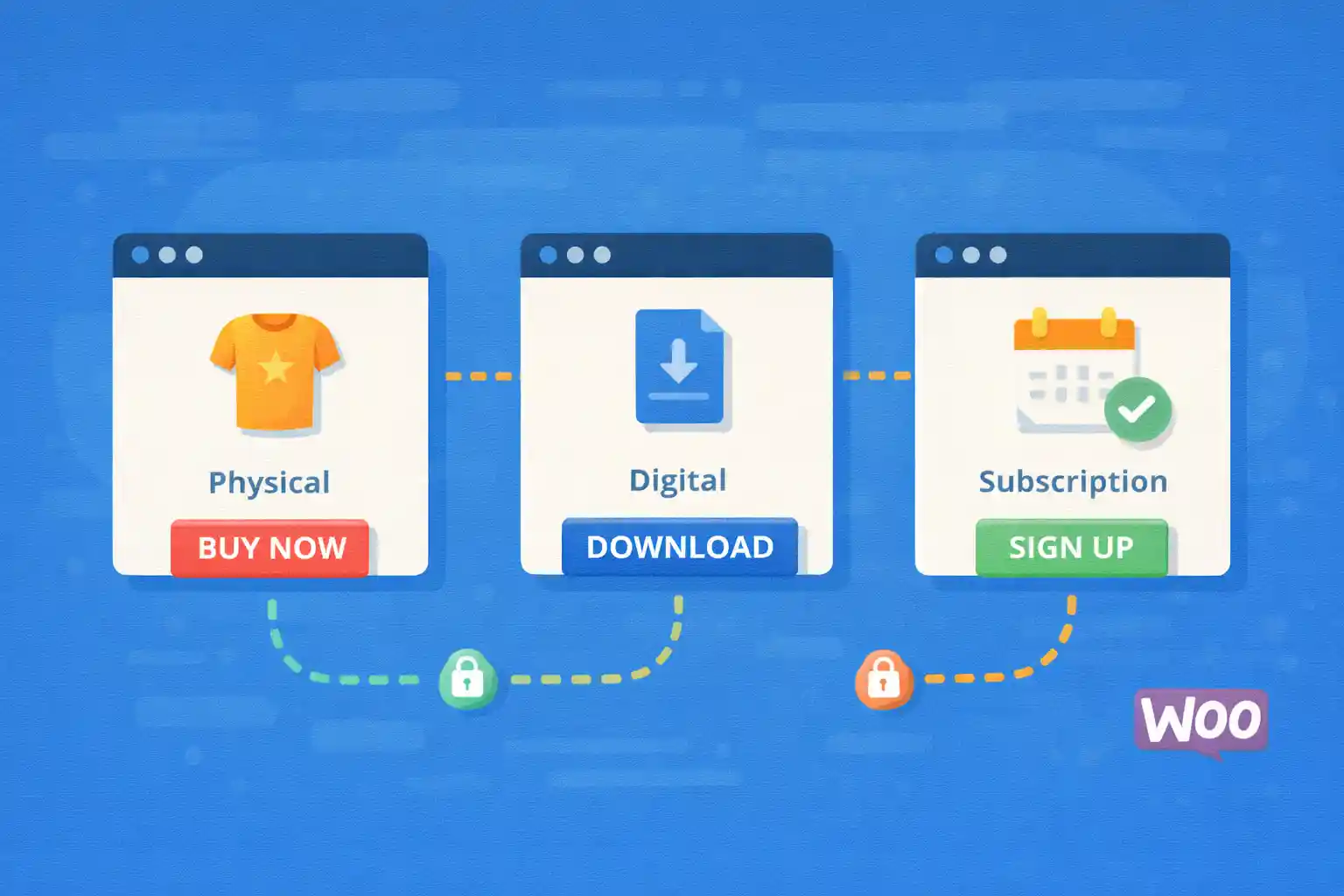
WooCommerce allows you to change the “Add to cart” button text globally, but real stores often need more nuance:
- External/Affiliate products → “View product” or “Buy on Amazon”
- Grouped products → “View options”
- Variable products → “Select options” (or a custom label)
- Simple products → “Add to cart”
This article shows how to customize add-to-cart button text by product type using code (no plugins),
covering both shop loops (archives) and single product pages.
Where WooCommerce Gets Button Text
The label can be filtered in two main contexts:
- Shop / category / product loop button text
- Single product button text
WooCommerce uses different filters for these contexts, so you typically want to hook into both.
Recommended Approach: Filter by Product Type
WooCommerce product types are exposed via the product object (WC_Product) and methods like:
$product->is_type( 'simple' )$product->is_type( 'variable' )$product->is_type( 'external' )$product->is_type( 'grouped' )
1) Customize Button Text in the Shop Loop
This affects the “Add to cart” button shown on:
- Shop page
- Category archives
- Related products sections (usually)
<?php
add_filter( 'woocommerce_product_add_to_cart_text', function ( $text, $product ) {
  if ( ! $product instanceof WC_Product ) {
    return $text;
  }

  // External / affiliate products
  if ( $product->is_type( 'external' ) ) {
    return __( 'View deal', 'your-textdomain' );
  }

  // Variable products
  if ( $product->is_type( 'variable' ) ) {
    return __( 'Select options', 'your-textdomain' );
  }

  // Grouped products
  if ( $product->is_type( 'grouped' ) ) {
    return __( 'View options', 'your-textdomain' );
  }

  // Simple products (default)
  if ( $product->is_type( 'simple' ) ) {
    return __( 'Add to cart', 'your-textdomain' );
  }

  return $text;
}, 10, 2 );
This is safe and future-proof because it uses product type checks rather than hardcoded IDs.
2) Customize Button Text on Single Product Pages
The single product page uses a different filter.
<?php
add_filter( 'woocommerce_product_single_add_to_cart_text', function ( $text ) {
  global $product;

  if ( ! $product instanceof WC_Product ) {
    return $text;
  }

  if ( $product->is_type( 'external' ) ) {
    return __( 'Go to store', 'your-textdomain' );
  }

  if ( $product->is_type( 'variable' ) ) {
    return __( 'Choose options', 'your-textdomain' );
  }

  if ( $product->is_type( 'grouped' ) ) {
    return __( 'View options', 'your-textdomain' );
  }

  return $text;
}, 10 );
Note: this filter does not pass the product object, so using global $product is the common pattern.
3) Customize External Product Text Based on Button Label or URL
External products often need store-specific wording (Amazon, Rakuten, etc.).
You can use the external URL to decide the text.
<?php
add_filter( 'woocommerce_product_add_to_cart_text', function ( $text, $product ) {
  if ( ! $product instanceof WC_Product ) {
    return $text;
  }

  if ( ! $product->is_type( 'external' ) ) {
    return $text;
  }

  $url = (string) $product->get_product_url();

  if ( $url && strpos( $url, 'amazon.' ) !== false ) {
    return __( 'Buy on Amazon', 'your-textdomain' );
  }

  if ( $url && strpos( $url, 'rakuten.' ) !== false ) {
    return __( 'Buy on Rakuten', 'your-textdomain' );
  }

  return __( 'View deal', 'your-textdomain' );
}, 10, 2 );
This keeps logic centralized and avoids per-product manual tweaks.
4) Change the Text Only for Certain Categories
Sometimes you want special CTA text only for a category like “Digital Downloads.”
In the loop filter, you can check the product’s categories.
<?php
add_filter( 'woocommerce_product_add_to_cart_text', function ( $text, $product ) {
  if ( ! $product instanceof WC_Product ) {
    return $text;
  }

  if ( has_term( 'downloads', 'product_cat', $product->get_id() ) && $product->is_type( 'simple' ) ) {
    return __( 'Download', 'your-textdomain' );
  }

  return $text;
}, 10, 2 );
5) Common Pitfalls
- Only hooking one filter (loop vs single page) and wondering why the other doesn’t change
- Hardcoding product IDs (not scalable)
- For external products, forgetting that “Add to cart” becomes a link button
- Using role-based or locale-specific text without proper translation wrappers
Testing Checklist
- Shop page: simple, variable, grouped, external
- Single product page: ensure the main button text matches expectations
- Related products and upsells: confirm loop text is applied
- Cache: clear page cache if you use full-page caching
Summary
- Use
woocommerce_product_add_to_cart_textfor loop buttons - Use
woocommerce_product_single_add_to_cart_textfor single product page buttons - Branch logic using
$product->is_type()for clean, scalable control - Optionally customize further by URL, category, or other product data
With these hooks, you can deliver clearer CTAs across your store and improve conversions without installing a plugin.
🎨 Want to learn more? Visit our WordPress Customization Hub for tips and advanced techniques.


















