How to Split functions.php into Modular Files (Best Practices)
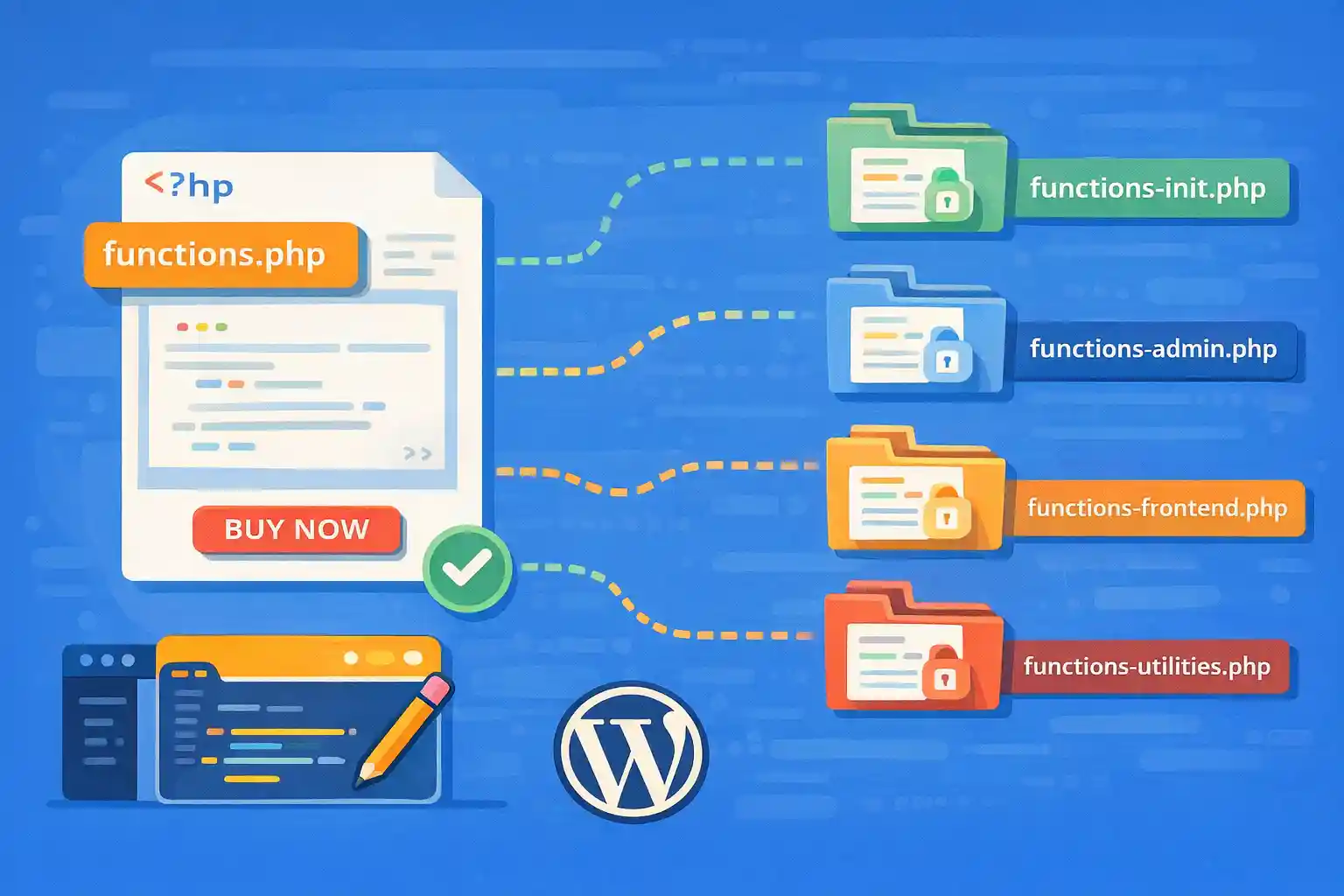
As a WordPress theme grows, functions.php tends to become a “catch-all” file:
enqueue logic, theme supports, custom post types, security tweaks, admin UI changes, and performance filters.
At some point, maintenance becomes painful.
A modular structure solves this by separating responsibilities into small files that are easy to find, test, and version.
This article shows a clean, production-friendly way to split functions.php without breaking load order,
child theme overrides, or performance.
Goals of a Modular Theme Structure
- Clear separation of concerns (enqueue, CPT, admin, performance, etc.)
- Predictable load order
- No fatal errors when a file is missing
- Easy to disable or swap modules
- Compatible with child themes
Recommended Folder Structure
A common pattern is storing modules under /inc/.
your-theme/
  functions.php
  inc/
    bootstrap.php
    theme-support.php
    enqueue.php
    helpers.php
    admin/
      cleanup.php
      notices.php
    performance/
      assets.php
      images.php
    content/
      shortcodes.php
      blocks.php
    integrations/
      woocommerce.php
      acf.php
This keeps your theme organized by area rather than by hook name.
Step 1: Create a Bootstrap Loader
The best practice is keeping functions.php small and using it only to load your modules.
Create inc/bootstrap.php and use it as the single place to manage module loading.
functions.php (Minimal Loader)
<?php
// Exit if accessed directly.
if ( ! defined( 'ABSPATH' ) ) {
  exit;
}

require_once get_template_directory() . '/inc/bootstrap.php';
inc/bootstrap.php (Centralized Includes)
<?php
if ( ! defined( 'ABSPATH' ) ) {
  exit;
}

/**
 * Safe require helper (prevents fatals when a file is missing).
 */
function wpct_require( string $relative_path ): void {
  $path = get_template_directory() . $relative_path;

  if ( is_readable( $path ) ) {
    require_once $path;
  }
}

/**
 * Load core theme modules (order matters).
 */
wpct_require( '/inc/helpers.php' );
wpct_require( '/inc/theme-support.php' );
wpct_require( '/inc/enqueue.php' );

/**
 * Admin-only modules.
 */
if ( is_admin() ) {
  wpct_require( '/inc/admin/cleanup.php' );
  wpct_require( '/inc/admin/notices.php' );
}

/**
 * Optional integrations.
 */
if ( class_exists( 'WooCommerce' ) ) {
  wpct_require( '/inc/integrations/woocommerce.php' );
}

if ( defined( 'ACF_VERSION' ) ) {
  wpct_require( '/inc/integrations/acf.php' );
}

/**
 * Performance modules.
 */
wpct_require( '/inc/performance/assets.php' );
wpct_require( '/inc/performance/images.php' );
Why a bootstrap file helps:
- One place to control load order
- Easy to add/remove modules
- Conditional loading keeps admin/front-end lighter
Step 2: Keep Modules Hook-Based (No Global Side Effects)
Each file should register hooks and filters, not execute output immediately.
Avoid top-level code that depends on runtime context.
inc/enqueue.php (Example)
<?php
if ( ! defined( 'ABSPATH' ) ) {
  exit;
}

add_action( 'wp_enqueue_scripts', function () {
  $uri = get_template_directory_uri();

  wp_enqueue_style(
    'theme-style',
    $uri . '/assets/css/style.css',
    array(),
    '1.0.0'
  );

  wp_enqueue_script(
    'theme-script',
    $uri . '/assets/js/main.js',
    array(),
    '1.0.0',
    true
  );
}, 20 );
This makes modules “safe to include” at any point during bootstrap.
Step 3: Put Shared Helpers in a Single Place
Instead of duplicating utilities across modules, create inc/helpers.php.
Keep helpers pure and predictable.
<?php
if ( ! defined( 'ABSPATH' ) ) {
  exit;
}

function wpct_is_local_env(): bool {
  $host = isset( $_SERVER['HTTP_HOST'] ) ? (string) $_SERVER['HTTP_HOST'] : '';
  return $host !== '' && ( strpos( $host, '.test' ) !== false || strpos( $host, 'localhost' ) !== false );
}
Step 4: Guard Plugin-Specific Code
If you split WooCommerce or ACF logic into modules, never assume the plugin exists.
Use class_exists(), function_exists(), or plugin constants.
inc/integrations/woocommerce.php (Example Guarded Module)
<?php
if ( ! defined( 'ABSPATH' ) ) {
  exit;
}

if ( ! class_exists( 'WooCommerce' ) ) {
  return;
}

// Woo-specific hooks here.
add_filter( 'woocommerce_product_add_to_cart_text', function ( $text, $product ) {
  if ( $product instanceof WC_Product && $product->is_type( 'external' ) ) {
    return __( 'View deal', 'your-textdomain' );
  }
  return $text;
}, 10, 2 );
Step 5: Child Theme Compatibility
If you expect child themes, you must consider whether modules should be loaded from the child theme
or the parent theme.
Two common strategies:
- Always load from parent (stable base, child only overrides via hooks)
- Allow child to override modules by path resolution
Allow Child Theme Override of Modules
Replace get_template_directory() with a resolver that checks child first.
<?php
function wpct_locate_module( string $relative_path ): string {
  $child  = get_stylesheet_directory() . $relative_path;
  $parent = get_template_directory() . $relative_path;

  if ( is_readable( $child ) ) {
    return $child;
  }

  if ( is_readable( $parent ) ) {
    return $parent;
  }

  return '';
}

function wpct_require_module( string $relative_path ): void {
  $path = wpct_locate_module( $relative_path );
  if ( $path !== '' ) {
    require_once $path;
  }
}
Then in your bootstrap:
<?php
wpct_require_module( '/inc/enqueue.php' );
wpct_require_module( '/inc/theme-support.php' );
Step 6: Naming Conventions That Scale
Choose conventions early:
- Prefix functions (e.g.
wpct_*) to avoid collisions - One responsibility per file
- Group by area:
admin/,performance/,integrations/
Avoid:
inc/misc.php(becomes a second functions.php)- Dozens of tiny files with unclear naming
Step 7: Debugging and Safety Tips
- Use
is_readable()checks beforerequire_once - Return early inside modules when conditions are not met
- Keep bootstrap load order explicit
- Prefer action/filter registration over running logic at include time
Example: Practical Load Order (Recommended)
helpers.php(utility functions used everywhere)theme-support.php(supports, image sizes, menus)enqueue.php(CSS/JS loading)content/(shortcodes, blocks)admin/(admin-only changes)integrations/(Woo/ACF guarded modules)performance/(filters, cleanup, caching hints)
Summary
- Keep
functions.phpminimal and load a single bootstrap file - Use a safe include helper to prevent fatal errors
- Organize modules by responsibility under
/inc/ - Guard plugin integrations with
class_exists()/ constants - Consider child theme overrides if your theme supports them
A modular structure keeps your WordPress theme maintainable as it grows, improves developer onboarding,
and makes performance and security changes easier to manage over time.
🎨 Want to learn more? Visit our WordPress Customization Hub for tips and advanced techniques.


















