How to Create a Custom Front Page Template (home.php vs front-page.php)
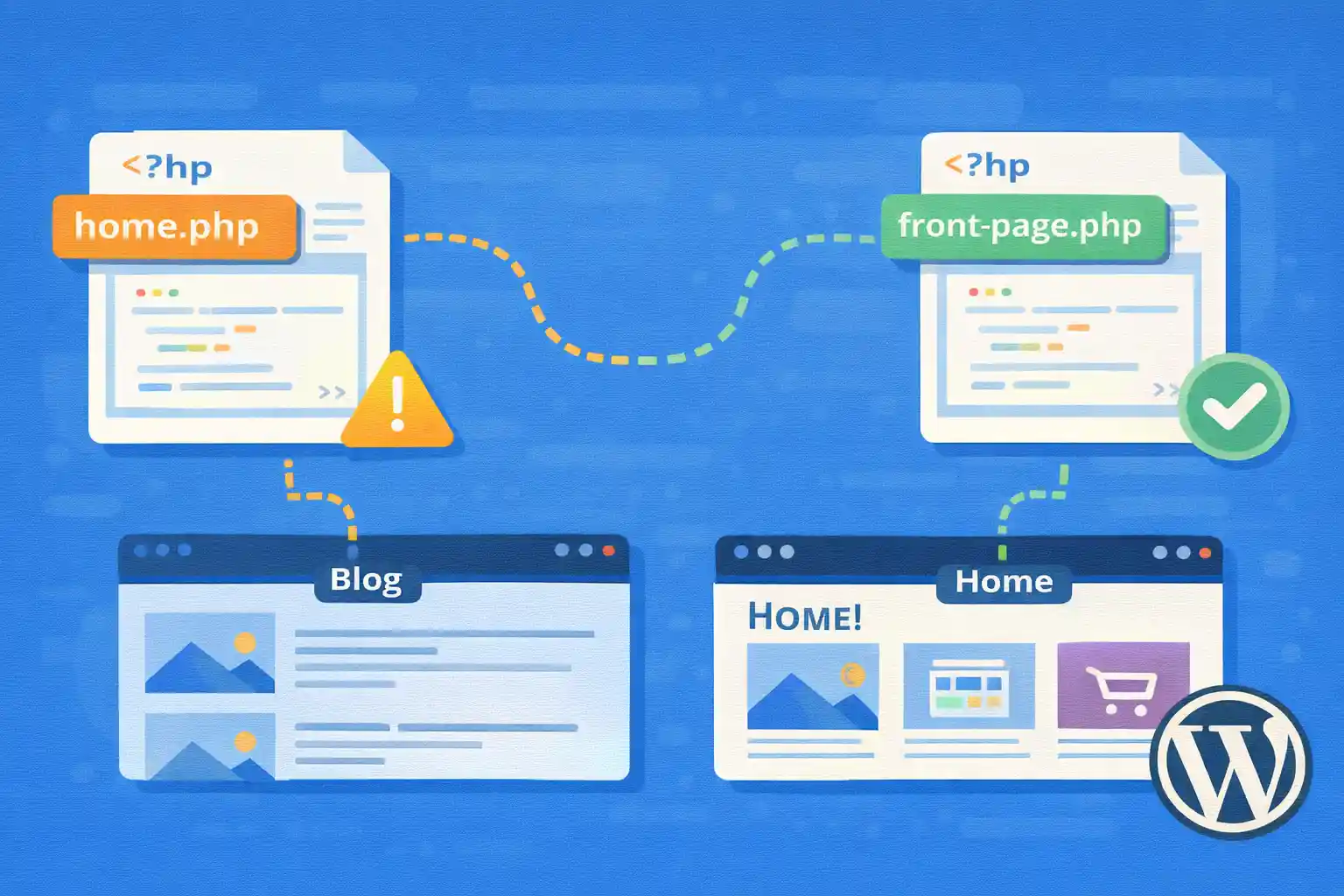
WordPress front page behavior is one of the most misunderstood parts of the template hierarchy.
A common pain point is expecting home.php to control the site’s homepage, only to find WordPress loading
a different template (or vice versa).
This article explains the difference between home.php and front-page.php,
how WordPress decides which template to use, and how to build a custom front page template without breaking
your blog index, pagination, or SEO.
Key Concept: WordPress Has Two “Home” Concepts
WordPress uses two different ideas:
- Front page: the site’s root URL (usually
/) - Posts page: the blog index (the page that lists posts)
These can be the same page (default) or different pages (when you set a static front page).
Reading Settings That Change Everything
Go to Settings → Reading:
- Your homepage displays → “Your latest posts” (default)
- Your homepage displays → “A static page” (Front page + Posts page)
This setting determines whether WordPress treats / as “front page” only,
or also as the blog index.
Template Hierarchy: front-page.php vs home.php
front-page.php
front-page.php is used for the front page (root URL) when it exists.
It is the highest priority template for the front page.
It is used in both cases:
- When your homepage shows the latest posts (default)
- When your homepage is a static page
home.php
home.php is used for the posts page (blog index).
It controls the list of posts (archive-like behavior), including pagination.
It is used when:
- Your homepage shows latest posts and
front-page.phpdoes not exist - Your homepage is a static page and you set “Posts page” to a page (e.g.
/blog/)
Practical Scenarios (What Loads What)
Scenario A: Default (Homepage = Latest Posts)
- If
front-page.phpexists → it is used for/ - Else if
home.phpexists → it is used for/ - Else →
index.php
Scenario B: Static Front Page + Separate Posts Page
/(Front page) →front-page.php(if exists) elsepage.phpetc./blog/(Posts page) →home.php(if exists) elseindex.php
This is the most common configuration for business sites:
custom landing homepage + blog at /blog/.
Best Practice: Create Both Templates
If you want a stable, maintainable setup:
- Use
front-page.phpfor your custom homepage layout - Use
home.phpfor your blog index layout
This avoids “template confusion” later when settings change.
Create a Custom front-page.php (Static Homepage)
Create front-page.php in your theme root.
This file should focus on the homepage layout and can use a custom query for sections like “Latest posts”.
Example: Homepage With a “Latest Posts” Section
<?php
get_header();
?>

<h2>Welcome</h2>
<p>This is a custom front page template.</p>

<h2>Latest Posts</h2>

<?php
$latest = new WP_Query( array(
  'post_type'           => 'post',
  'posts_per_page'      => 6,
  'no_found_rows'       => true,
  'ignore_sticky_posts' => true,
) );

if ( $latest->have_posts() ) :
  echo '<ul>';
  while ( $latest->have_posts() ) :
    $latest->the_post();
    echo '<li><a href="' . esc_url( get_permalink() ) . '">' . esc_html( get_the_title() ) . '</a></li>';
  endwhile;
  echo '</ul>';
endif;

wp_reset_postdata();
?>

<?php
get_footer();
Notes:
- Use
no_found_rowsfor performance (no pagination needed) - Use
wp_reset_postdata()after custom queries - Keep homepage queries intentional to avoid heavy load
Create a Custom home.php (Blog Index)
The blog index should usually use the main query.
That keeps pagination correct and allows you to control query behavior via pre_get_posts.
Example: Blog Index Using the Main Loop
<?php
get_header();
?>

<h1>Blog</h1>

<?php if ( have_posts() ) : ?>
  <ul>
    <?php while ( have_posts() ) : the_post(); ?>
      <li>
        <a href="<?php echo esc_url( get_permalink() ); ?>">
          <?php echo esc_html( get_the_title() ); ?>
        </a>
      </li>
    <?php endwhile; ?>
  </ul>

  <nav>
    <?php the_posts_pagination( array(
      'mid_size'  => 2,
      'prev_text' => 'Prev',
      'next_text' => 'Next',
    ) ); ?>
  </nav>

<?php else : ?>
  <p>No posts found.</p>
<?php endif; ?>

<?php
get_footer();
Keep home.php focused on presentation. If you need to change posts per page or ordering,
do it via pre_get_posts.
When to Use front-page.php for “Latest Posts” Homepages
If your homepage is “latest posts” and you want a custom layout, you can still use front-page.php.
That’s valid, but it changes the default expectation that “home.php controls the blog index”.
Best practice is:
- Use
front-page.phponly when your homepage is truly a custom landing - Use
home.phpfor the blog index (even if that blog index is at/)
If you want a custom posts index at /, you can do it in home.php
and skip front-page.php.
Common Pitfalls
1) Pagination Breaks Because You Used a Custom Query in home.php
If you replace the main loop with WP_Query inside home.php,
pagination often breaks unless you manually pass the correct paged value.
Prefer the main query for the blog index.
2) “Posts Page” Doesn’t Use page.php
When you assign a page as “Posts page”, WordPress does not render it like a normal page template.
It is treated as the posts index and uses home.php if available.
3) SEO Confusion (Canonical and Titles)
If you build a custom front page and also show posts, ensure:
- Your title logic matches the intended page role
- Canonical URLs are correct
- You do not accidentally create duplicate archives
Quick Checklist for a Clean Setup
- Create
front-page.phpfor a custom homepage layout - Create
home.phpfor your blog index layout - Use the main query for blog pagination
- Use custom queries only for homepage sections (and reset post data)
- Confirm Settings → Reading matches your intended structure
Summary
front-page.phpcontrols the site front page (/) when it existshome.phpcontrols the posts index (blog listing)- Static front page setups typically use both:
front-page.phpandhome.php - Use the main loop in
home.phpto keep pagination stable
Once you understand this split, building a custom homepage becomes predictable and maintainable,
even as site settings and content strategy evolve.
🎨 Want to learn more? Visit our WordPress Customization Hub for tips and advanced techniques.


















