When to Use CPT vs Taxonomy (Real-World Examples)
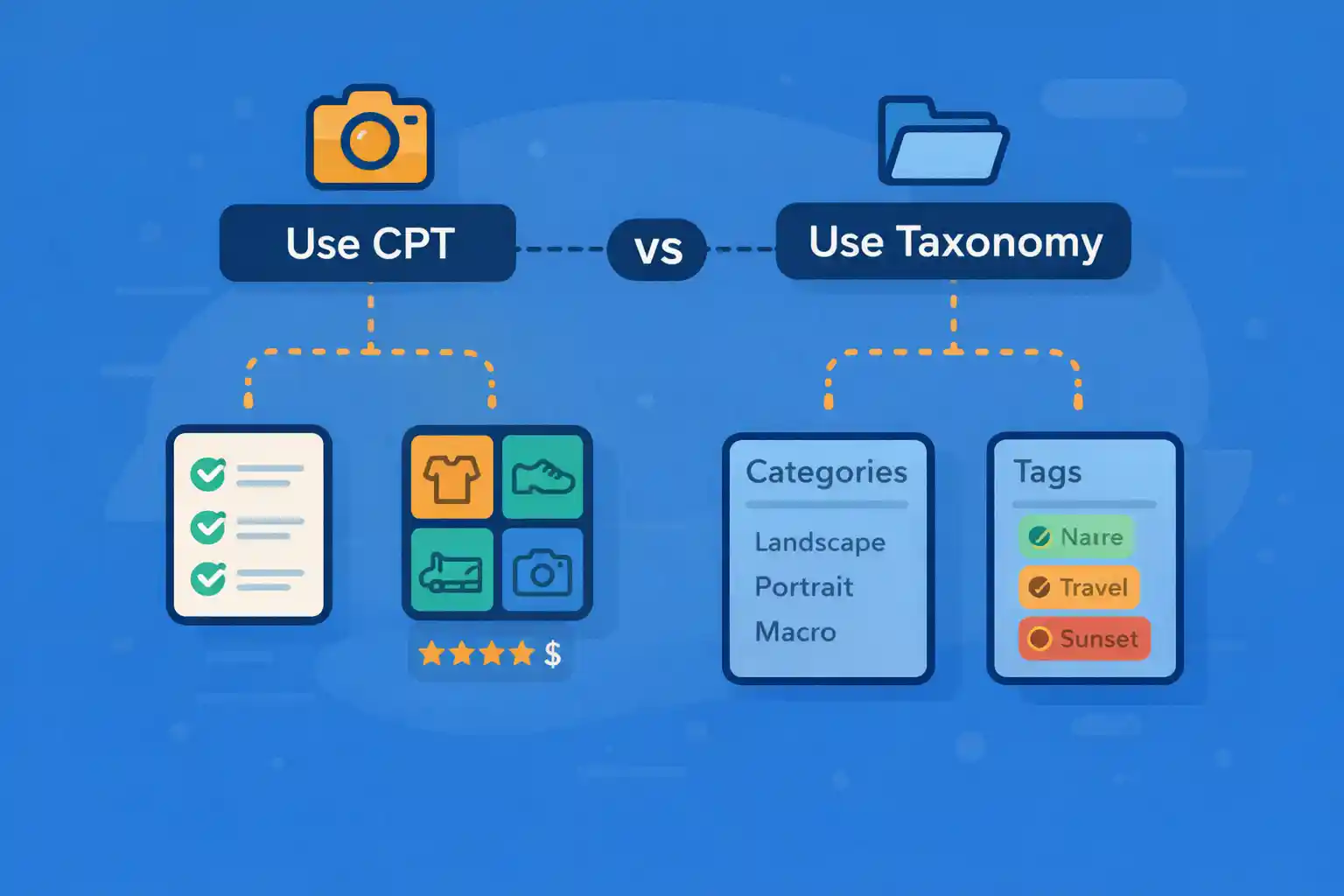
When to Use CPT vs Taxonomy (Real-World Examples)
One of the most common structural mistakes in WordPress projects is choosing the wrong data model:
using a Custom Post Type (CPT) where a taxonomy should be used—or vice versa.
This decision affects URL structure, query complexity, admin usability, performance,
and long-term maintainability.
This article explains when to use CPTs vs taxonomies with real-world examples,
so you can model content correctly from the start.
Quick Mental Model
- CPT = “Things” (entities that stand on their own)
- Taxonomy = “Ways to group or classify things”
If you ask “Is this something I would write a full page about?” → CPT
If you ask “Is this a label, category, or attribute?” → taxonomy
What a Custom Post Type Is Best For
A CPT represents a primary content entity with:
- Its own permalink
- Its own archive
- Custom fields
- Distinct templates
Good CPT Examples
- Events
- Products
- Case Studies
- Jobs
- Portfolio Items
Example: Event as a CPT
Each event has:
- A dedicated detail page
- Date, venue, registration URL (meta fields)
- Its own archive (
/events/)
This clearly fits a CPT:
event
├─ Event A
├─ Event B
└─ Event C
What a Taxonomy Is Best For
A taxonomy is used to classify or organize posts.
It usually:
- Does not need rich content on its own
- Groups many posts together
- Can be shared across multiple CPTs
Good Taxonomy Examples
- Categories
- Tags
- Locations
- Topics
- Features / Attributes
Example: Event Type as a Taxonomy
Events can be classified as:
- Conference
- Workshop
- Webinar
These are labels, not standalone entities.
They work perfectly as a taxonomy:
event (CPT)
├─ Event A (conference)
├─ Event B (webinar)
└─ Event C (workshop)
Real-World Decision Examples
Example 1: Blog Posts vs Categories
- Post → CPT (already built-in)
- Category → taxonomy
You would never make “Technology” or “News” a CPT.
They exist only to group posts.
Example 2: Products and Brands
Question: Should “Brand” be a CPT or taxonomy?
Correct answer in most cases: taxonomy.
- A product belongs to one or more brands
- Brand pages usually list products
- Brands rarely need complex custom fields
Structure:
product (CPT)
├─ Product A (Brand X)
├─ Product B (Brand Y)
└─ Product C (Brand X)
Example 3: Authors / Speakers
This one is subtle.
Use a CPT if:
- Each speaker has a profile page
- You need bio, photo, SNS links
- They appear across multiple events or posts
Use a taxonomy if:
- You only need a name label
- No standalone profile is required
Correct CPT Example
speaker (CPT)
├─ Alice Smith
├─ Bob Johnson
Then relate speakers to events via post meta or a relationship field.
Wrong Approach (Common Mistake)
Using a taxonomy when each term needs rich content:
- Profile image
- Biography
- Multiple layouts
That’s a CPT pretending to be a taxonomy.
When NOT to Use a CPT
Avoid CPTs when:
- The item exists only to classify content
- You don’t need a single page template
- It will never be queried independently
Anti-Pattern Examples
- “Featured” as a CPT (should be meta or taxonomy)
- “Year” as a CPT (should be taxonomy or date archive)
- “Status” as a CPT (should be meta)
CPT vs Taxonomy vs Meta (Quick Comparison)
- CPT: entity with its own lifecycle and page
- Taxonomy: shared classification
- Meta: attribute of a single post
Ask these questions:
- Does it need its own URL? → CPT
- Does it group many posts? → taxonomy
- Is it just a value/flag? → meta
SEO and URL Structure Considerations
- CPTs create archive URLs (
/events/) - Taxonomies create term archives (
/event-type/webinar/) - Too many CPTs can fragment SEO signals
- Taxonomies help consolidate related content
Overusing CPTs often leads to:
- Thin archives
- Duplicate templates
- Unnecessary admin complexity
Admin UX and Query Complexity
From a maintenance perspective:
- Taxonomies are easier to filter in admin lists
- CPT relationships often require custom UI
- Taxonomy queries are usually faster than meta queries
If you find yourself joining CPTs with meta-heavy queries,
you may be modeling a taxonomy incorrectly.
Rule of Thumb (Final Checklist)
- Needs its own template? → CPT
- Needs its own archive? → CPT
- Shared across multiple content types? → taxonomy
- Pure attribute or flag? → meta
Summary
- Use CPTs for primary content entities
- Use taxonomies for classification and grouping
- Do not force rich entities into taxonomies
- Do not create CPTs for simple labels
- Correct modeling reduces query complexity and improves SEO
Choosing CPT vs taxonomy correctly is a foundational WordPress skill.
Getting it right early prevents structural debt that is expensive to fix later.
🎨 Want to learn more? Visit our WordPress Customization Hub for tips and advanced techniques.


















