ACF Field Performance: What Slows Down Your Site
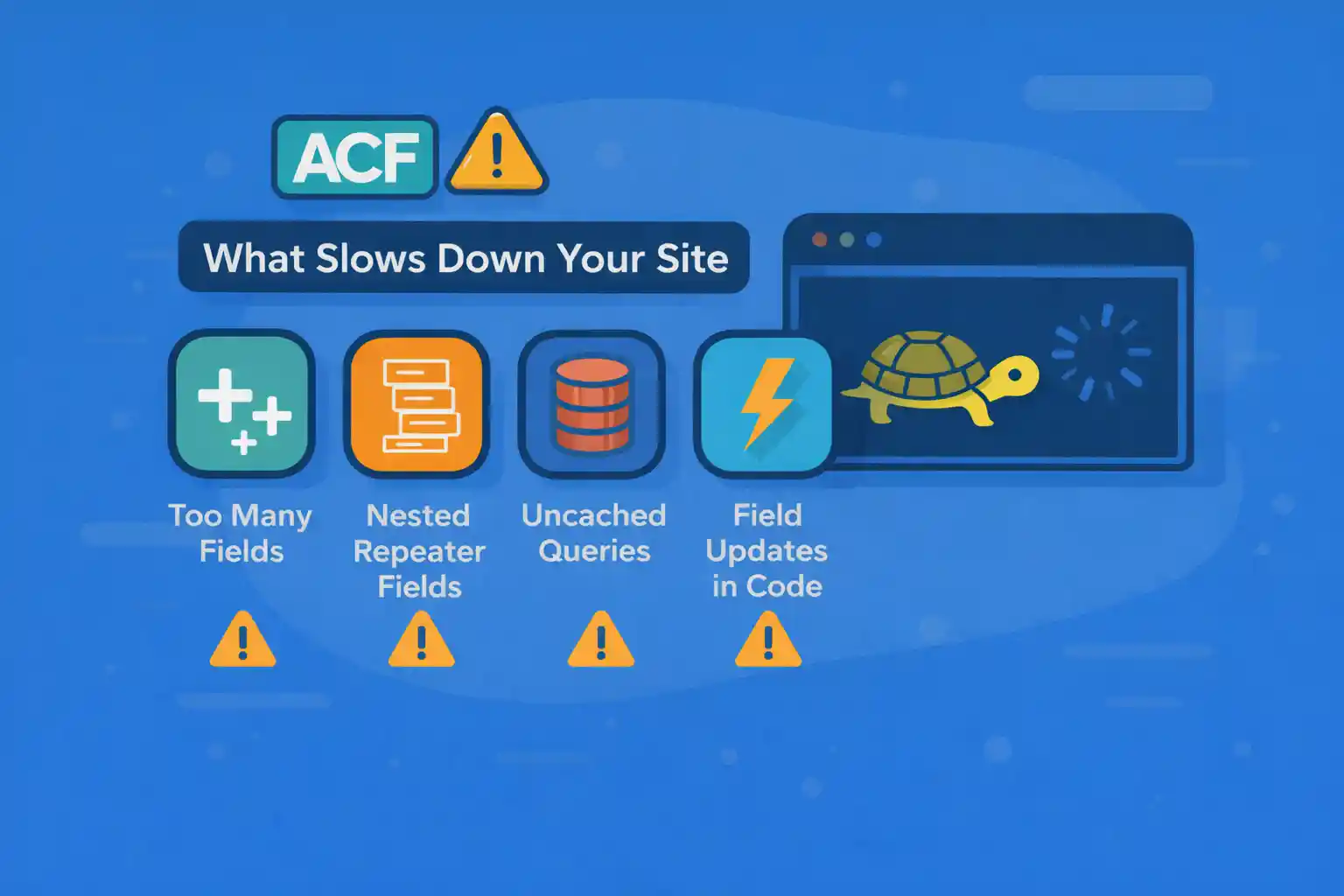
ACF Field Performance: What Slows Down Your Site
Advanced Custom Fields (ACF) is one of the most widely used tools in WordPress development.
However, many performance issues blamed on “WordPress being slow” are actually caused by
how ACF fields are designed, queried, and rendered.
This article explains what specifically slows down your site when using ACF,
and how to structure fields and code to keep performance predictable at scale.
Important Premise: ACF Itself Is Not Slow
ACF is a thin abstraction over WordPress post meta.
Performance problems usually come from:
- Field structure choices
- Query patterns
- How values are retrieved inside loops
- Admin-side overuse on large datasets
Understanding what happens under the hood is critical.
How ACF Data Is Stored (Why Structure Matters)
Most ACF fields are stored in wp_postmeta:
- One row per field
- Repeater and flexible content fields create many rows
- Each sub-field is stored separately
This means field count directly affects database size and query cost.
Performance Killer #1: Repeater Fields in Large Loops
Repeater fields are convenient—but dangerous at scale.
Each row in a repeater:
- Creates multiple
postmetarows - Requires multiple lookups when accessed
Problematic Pattern
<?php
while ( have_posts() ) {
  the_post();

  if ( have_rows( 'features' ) ) {
    while ( have_rows( 'features' ) ) {
      the_row();
      echo get_sub_field( 'label' );
    }
  }
}
On an archive with 20 posts, each having a 10-row repeater,
this can trigger hundreds of meta lookups.
When Repeaters Are Acceptable
- Single post pages
- Low-volume CPTs
- Admin-only usage
Avoid heavy repeater access inside archives whenever possible.
Performance Killer #2: Flexible Content for Critical Rendering
Flexible Content fields are the most expensive ACF field type.
They:
- Store layout + sub-field metadata
- Encourage deeply nested rendering logic
- Are often used to control page layout entirely
Using flexible content to build entire pages is fine,
but using it inside:
- Archives
- Search results
- Related posts sections
is a common performance trap.
Better Pattern
- Use flexible content only on singular views
- Extract summary fields (title, image, excerpt) into simple meta
- Never loop flexible content inside loops of posts
Performance Killer #3: Calling get_field() Repeatedly
get_field() is convenient, but it is not free.
It:
- Wraps
get_post_meta() - Applies formatting and filters
- Performs type handling
Anti-Pattern
<?php
echo get_field( 'price' );
echo get_field( 'price' );
echo get_field( 'price' );
This results in redundant work.
Correct Pattern
<?php
$price = get_field( 'price' );
echo esc_html( $price );
Always retrieve once, then reuse.
Performance Killer #4: Meta Queries on Repeater Sub-Fields
Meta queries on repeater sub-fields are extremely expensive.
ACF stores repeater sub-fields with generated meta keys like:
features_0_label
features_1_label
features_2_label
Querying these requires LIKE comparisons, which:
- Bypass indexes
- Scale poorly
- Break caching effectiveness
Avoid This
<?php
'meta_query' => array(
  array(
    'key'     => 'features_%_label',
    'compare' => 'LIKE',
    'value'   => 'Fast',
  ),
)
Better Design
- Promote searchable values to top-level meta
- Use taxonomies for filtering/searching
- Store derived flags (e.g.
is_featured) explicitly
Performance Killer #5: Using ACF for Data That Should Be a Taxonomy
A classic modeling mistake:
- Using checkbox / select ACF fields for categories or types
- Then filtering with meta queries
Taxonomy queries are indexed and optimized.
Meta queries are not.
Rule of Thumb
- Classification → taxonomy
- Attributes → meta
If you filter or aggregate by a value, it probably should be a taxonomy.
Performance Killer #6: Admin Screens with Heavy ACF Field Groups
ACF performance issues also appear in the admin.
Large field groups can:
- Slow post edit screens
- Increase memory usage
- Trigger excessive AJAX validation
Mitigation Strategies
- Use conditional logic aggressively
- Split massive field groups into multiple groups
- Limit flexible content layouts
- Avoid loading unused fields on all post types
ACF Repeater vs Group (Performance Perspective)
From a performance standpoint:
- Group: predictable, fixed number of meta rows
- Repeater: unbounded growth, variable cost
If you know the structure is fixed, always prefer a Group.
Practical Performance Checklist
- Do not loop repeater or flexible content fields in archives
- Retrieve ACF values once per post
- Avoid meta queries on repeater sub-fields
- Use taxonomies for filterable data
- Keep admin field groups scoped and conditional
Debugging ACF Performance Issues
To identify real bottlenecks:
- Check query count and time (Query Monitor)
- Inspect
wp_postmetarow counts per post - Profile archive templates, not single posts
- Look for
LIKEmeta queries in SQL
Summary
- ACF is fast when used correctly
- Field structure choices matter more than field count
- Repeaters and flexible content are the biggest risks
- Meta queries do not scale—taxonomies do
- Design data models with queries in mind
ACF performance problems are rarely about “ACF being slow”.
They are about data modeling decisions that only show their cost once a site grows.
Design for scale early, and ACF will remain a powerful tool instead of a bottleneck.
🎨 Want to learn more? Visit our WordPress Customization Hub for tips and advanced techniques.


















