How to Save ACF Fields to Custom Tables (Pros & Cons)
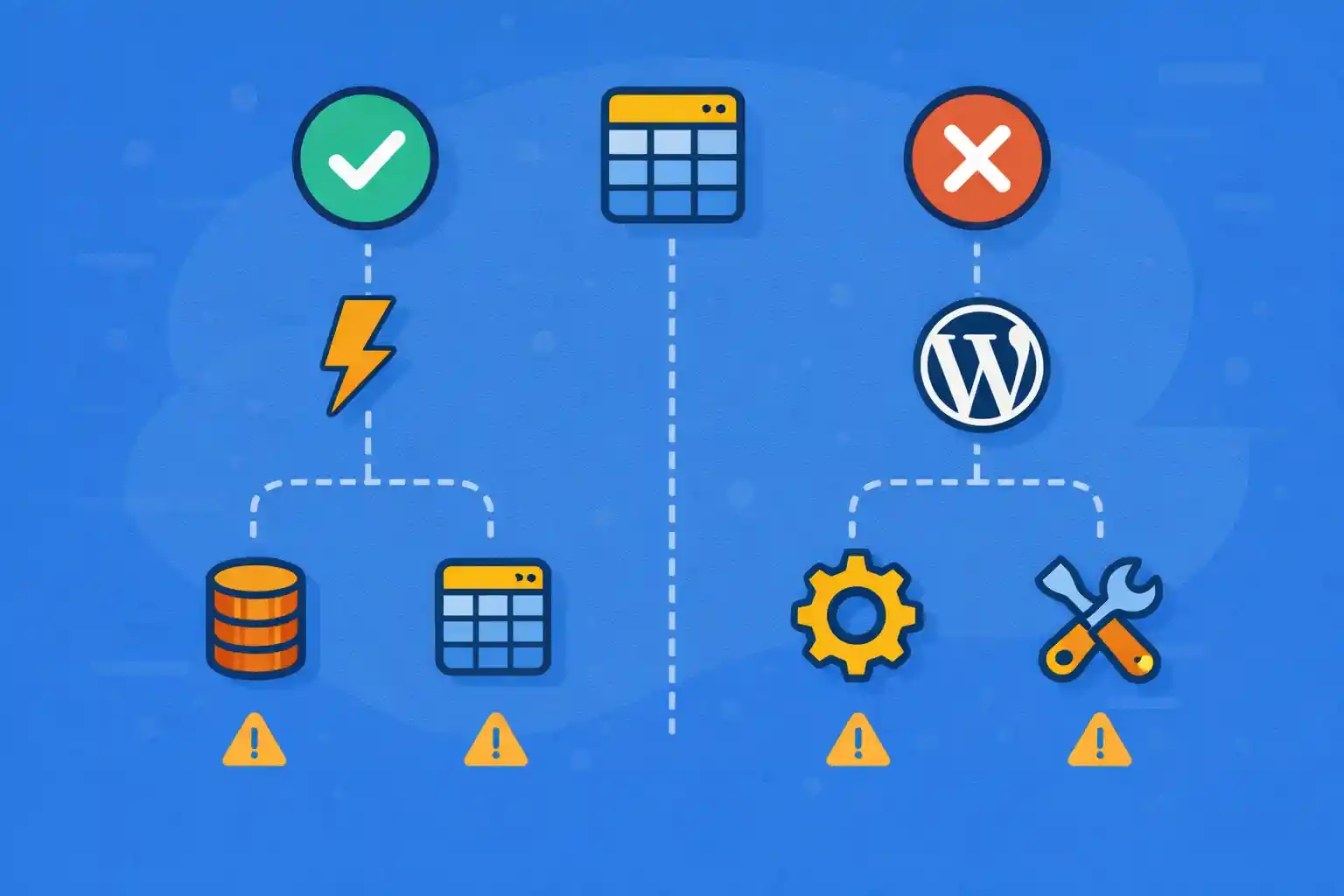
How to Save ACF Fields to Custom Tables (Pros & Cons)
ACF stores data in WordPress meta tables by default (wp_postmeta, wp_usermeta, etc.).
For most sites, that’s enough. But on large builds, meta-based storage can become a bottleneck—especially when:
- You need complex filtering/sorting across many fields
- You have high-volume repeaters/flexible content
- You need reporting-style queries (aggregations, ranges, joins)
- Admin screens or front-end archives become meta-query heavy
This article explains when custom tables make sense, what you gain, what you lose,
and how to implement a practical “sync” approach without breaking WordPress behavior.
First: What “Saving ACF to Custom Tables” Usually Means
There are two common approaches:
- Replace storage: store field values only in custom tables (and not in post meta)
- Sync/denormalize: keep ACF/meta as the source of truth, but copy selected fields into custom tables for performance
In real-world WordPress, sync/denormalize is usually the safer and more maintainable option.
You keep compatibility with core features while optimizing the queries that actually hurt.
Why wp_postmeta Can Be Slow at Scale
wp_postmeta is flexible but not great for analytics-style querying:
- Many rows per post (especially repeaters)
- Meta values stored as strings (type handling is limited)
- Heavy use of
JOINandLIKEfor multi-field queries - Sorting/filtering by multiple meta keys does not scale well
Custom tables let you store typed columns and add targeted indexes.
Pros of Custom Tables
1) Fast Filtering and Sorting
Indexed columns beat meta queries.
If you routinely filter by status, start_date, price, or priority,
a table with typed columns can make queries dramatically faster.
2) Fewer JOINs
Meta queries often require multiple joins to wp_postmeta.
A single-row-per-entity table eliminates that complexity.
3) Better Data Types
- Dates stored as integers or datetime
- Numbers stored as numeric columns
- Booleans stored as tinyint
This improves correctness and query performance.
4) Reporting and Aggregation Become Practical
If you need counts, ranges, sums, or dashboards, custom tables are a better fit.
Cons of Custom Tables
1) More Code, More Maintenance
You must create schemas, migrations, and update logic.
This is ongoing engineering work, not a one-time tweak.
2) You Can Break WordPress Ecosystem Compatibility
Many plugins and core features expect data in meta:
- REST API fields (meta exposure)
- WP_Query meta queries
- Exports/imports
- Revision behavior
- Search indexing plugins
If you replace storage entirely, you must re-implement behaviors.
3) Synchronization Risk
If you keep meta as source of truth and sync to a table, you must ensure updates always sync:
- Post save
- Bulk edits
- Imports
- Programmatic updates
4) Backup and Migration Complexity
Custom tables must be included in backup and migration workflows.
Some tools do; some don’t.
When You Should Consider Custom Tables
Custom tables are worth considering when:
- You have thousands of posts in a CPT and query them heavily
- You filter/sort on multiple fields at once (and need it fast)
- You are using repeaters/flexible content as data sources for archives
- You have “catalog” or “directory” behavior (events, listings, inventory)
If your main issue is slow admin edit screens or a few slow templates,
custom tables are often overkill.
Recommended Pattern: Sync Selected Fields to a Custom Table
The safest approach:
- Keep ACF/meta as the canonical storage
- Copy only the fields that you need for fast querying into a custom table
- Use the custom table for filtering/sorting and return post IDs
- Render posts normally using WordPress templates
Schema Example (Events)
Assume an event CPT with fields:
event_start_ts(timestamp integer)event_end_ts(timestamp integer)event_status(string)priority(integer)
Your custom table can store one row per event post:
wp_event_index
- post_id (primary key)
- start_ts (bigint)
- end_ts (bigint)
- status (varchar)
- priority (int)
- updated_at (datetime)
Create the Table on Theme/Plugin Activation
Create custom tables from a plugin (recommended) rather than a theme.
Themes can change; plugins are meant for data logic.
<?php
register_activation_hook( __FILE__, function () {
  global $wpdb;

  $table = $wpdb->prefix . 'event_index';
  $charset = $wpdb->get_charset_collate();

  $sql = "CREATE TABLE {$table} (
    post_id BIGINT(20) UNSIGNED NOT NULL,
    start_ts BIGINT(20) NOT NULL DEFAULT 0,
    end_ts BIGINT(20) NOT NULL DEFAULT 0,
    status VARCHAR(50) NOT NULL DEFAULT '',
    priority INT(11) NOT NULL DEFAULT 0,
    updated_at DATETIME NOT NULL,
    PRIMARY KEY  (post_id),
    KEY start_ts (start_ts),
    KEY status (status),
    KEY priority (priority)
  ) {$charset};";

  require_once ABSPATH . 'wp-admin/includes/upgrade.php';
  dbDelta( $sql );
} );
This creates the table and adds indexes that matter for filtering and ordering.
Sync on Save: Copy ACF Fields into the Table
Hook into post save events. Use capability checks, avoid autosaves and revisions.
<?php
add_action( 'save_post_event', function ( $post_id, $post, $update ) {
  if ( wp_is_post_autosave( $post_id ) || wp_is_post_revision( $post_id ) ) {
    return;
  }

  if ( ! current_user_can( 'edit_post', $post_id ) ) {
    return;
  }

  // Pull values from ACF/meta.
  $start = (int) get_post_meta( $post_id, 'event_start_ts', true );
  $end   = (int) get_post_meta( $post_id, 'event_end_ts', true );
  $status = (string) get_post_meta( $post_id, 'event_status', true );
  $priority = (int) get_post_meta( $post_id, 'priority', true );

  global $wpdb;
  $table = $wpdb->prefix . 'event_index';

  $wpdb->replace(
    $table,
    array(
      'post_id'    => (int) $post_id,
      'start_ts'   => $start,
      'end_ts'     => $end,
      'status'     => $status,
      'priority'   => $priority,
      'updated_at' => current_time( 'mysql' ),
    ),
    array( '%d', '%d', '%d', '%s', '%d', '%s' )
  );
}, 10, 3 );
$wpdb->replace() is convenient for “insert or update”.
Clean Up on Delete
<?php
add_action( 'before_delete_post', function ( $post_id ) {
  if ( get_post_type( $post_id ) !== 'event' ) {
    return;
  }

  global $wpdb;
  $table = $wpdb->prefix . 'event_index';

  $wpdb->delete( $table, array( 'post_id' => (int) $post_id ), array( '%d' ) );
} );
How to Use the Custom Table in Queries (Return Post IDs)
A practical pattern is:
- Query your custom table for a sorted list of
post_id - Pass IDs into
WP_Queryusingpost__in - Render normally with templates
<?php
function wpct_get_event_ids_by_index( array $args ): array {
  global $wpdb;

  $table = $wpdb->prefix . 'event_index';

  $status = isset( $args['status'] ) ? (string) $args['status'] : '';
  $limit  = isset( $args['limit'] ) ? max( 1, (int) $args['limit'] ) : 20;

  $where = '1=1';
  $params = array();

  if ( $status !== '' ) {
    $where .= ' AND status = %s';
    $params[] = $status;
  }

  $sql = "SELECT post_id
          FROM {$table}
          WHERE {$where}
          ORDER BY priority DESC, start_ts ASC
          LIMIT %d";

  $params[] = $limit;

  $prepared = $wpdb->prepare( $sql, $params );

  $ids = $wpdb->get_col( $prepared );
  return array_map( 'absint', $ids );
}
Then use those IDs in a normal query:
<?php
$ids = wpct_get_event_ids_by_index( array(
  'status' => 'upcoming',
  'limit'  => 20,
) );

$query = new WP_Query( array(
  'post_type'      => 'event',
  'post__in'       => $ids,
  'orderby'        => 'post__in',
  'posts_per_page' => 20,
) );
?>
This approach preserves WordPress rendering and avoids meta query bottlenecks.
Trade-Off: Pagination
If you build archives using custom-table queries, pagination becomes your responsibility:
- You must query total counts from your table
- You must calculate offset/limit per page
- You must keep ordering stable across pages
For many sites, it’s enough to use custom tables for:
- Featured sections
- Search filters
- Directory pages
and keep the default archive behavior for everything else.
Alternative: Use a “Search Index” Meta Key Instead
If you only need faster sorting for one field, storing a normalized value in a single meta key can be enough
(e.g., event_start_ts). This is far simpler than a custom table.
Custom tables are most valuable when you need multi-field filtering and ordering at scale.
Common Mistakes
- Replacing meta storage entirely (breaks ecosystem compatibility)
- Syncing every single ACF field (unnecessary complexity)
- Not handling revisions/autosaves (creates bad rows)
- Not deleting rows when posts are deleted
- Building custom table queries without prepared statements
Summary: Should You Do It?
- Custom tables can dramatically speed up complex filtering/sorting
- The safest pattern is “ACF/meta as source of truth + sync selected fields”
- Use custom tables when you have scale + heavy query requirements
- If your site is not query-heavy, this is often overkill
- Start by optimizing field structure and meta usage before jumping to custom tables
If you design a custom-table index carefully, you get the best of both worlds:
WordPress compatibility and predictable performance at scale.
🎨 Want to learn more? Visit our WordPress Customization Hub for tips and advanced techniques.


















