How to Sync ACF Fields Between Environments Safely
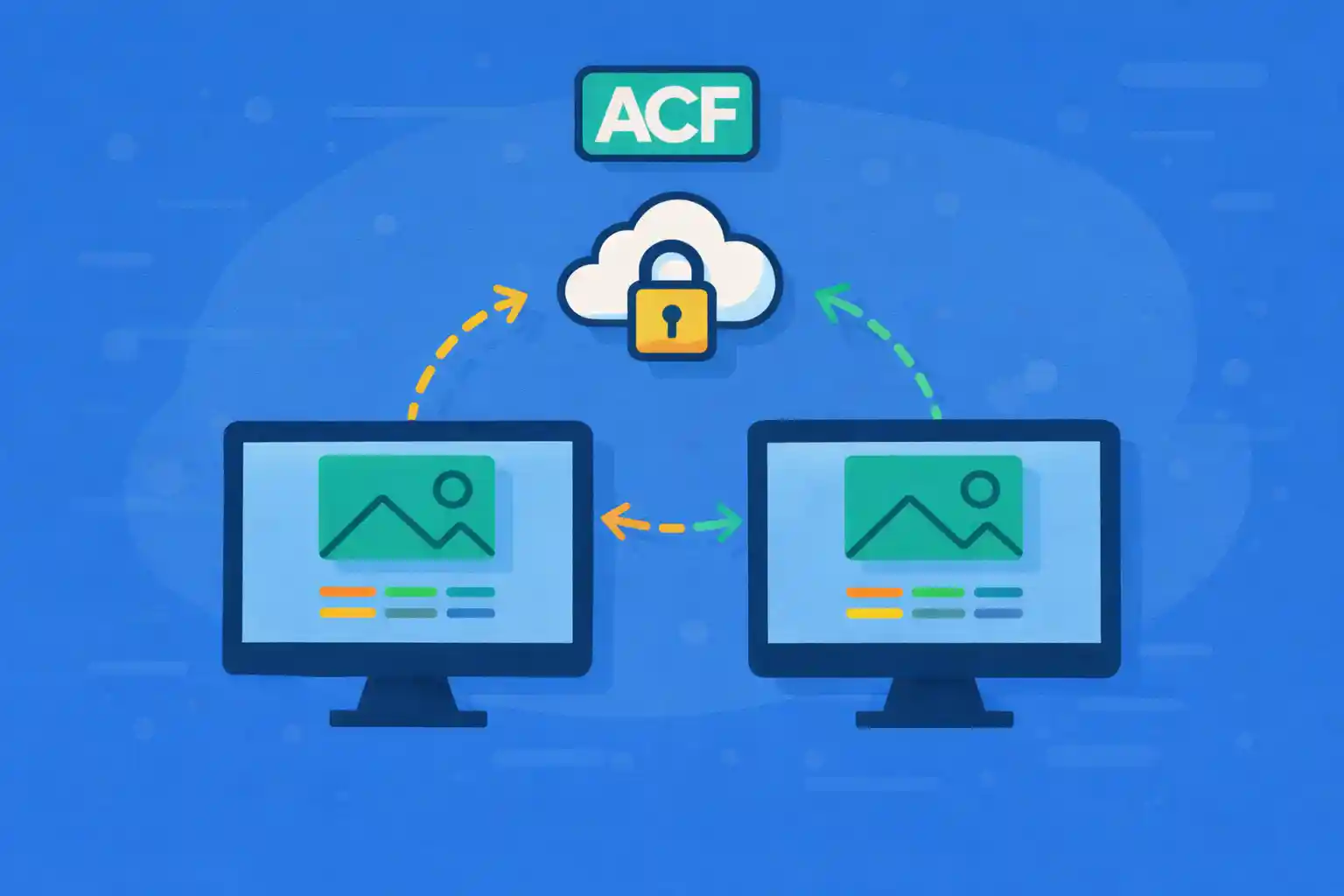
How to Sync ACF Fields Between Environments Safely
Moving ACF field groups between local, staging, and production sounds simple—until it breaks:
field keys drift, JSON sync gets ignored, database imports overwrite newer changes, or production ends up with missing fields.
This guide explains safe, developer-friendly ways to sync ACF fields across environments,
with patterns that avoid downtime and prevent silent data loss.
What “Sync” Actually Means in ACF
ACF has two different things that people call “sync”:
- Field group definitions (labels, field keys, layouts, rules)
- Field values stored in post meta (content data)
This article focuses on syncing field group definitions.
Field values should usually be migrated with content (DB export, WP-CLI, migration tooling), not “synced”.
The Three Main Approaches
- ACF Local JSON (recommended default)
- ACF PHP export (strong control, code-review friendly)
- Database migration (last resort for field definitions)
In most professional workflows, you want your field group definitions in version control,
so environment changes are predictable and reviewable.
Approach 1: Use ACF Local JSON (Best Default)
ACF Local JSON lets you save field group definitions as JSON files inside your theme or plugin.
This is the most common “safe sync” path because:
- Field definitions become files (Git-friendly)
- Production can load them without manual clicking
- You avoid DB drift across environments
Where ACF Stores JSON by Default
By default, ACF writes JSON to:
your-theme/acf-json/You can also move this into a plugin or a shared directory.
Set a Custom JSON Path (Recommended for Multi-Theme or Modular Setups)
For long-term stability, store ACF JSON in a plugin (or mu-plugin) rather than a theme.
Themes can change; field definitions usually should not.
<?php
add_filter( 'acf/settings/save_json', function ( $path ) {
  return WP_CONTENT_DIR . '/acf-json';
} );

add_filter( 'acf/settings/load_json', function ( $paths ) {
  $paths[] = WP_CONTENT_DIR . '/acf-json';
  return $paths;
} );
Now you can version-control wp-content/acf-json/.
How “Sync” Works with Local JSON
When JSON exists on disk and differs from the DB version, the ACF admin UI shows “Sync available”.
The safest workflow is:
- Commit JSON changes to Git
- Deploy code
- Let ACF load field groups from JSON (or sync once in admin if needed)
Make Local JSON Deploy-Safe (Avoid Manual Admin Sync)
If you want deployments to be hands-off, ensure ACF always loads field groups from JSON first.
ACF will still store the field groups in the DB, but file-based definitions are the source of truth.
Practical rule:
- Do not edit field groups directly on production
- Make changes in local/staging, commit JSON, deploy
Approach 2: Export Field Groups to PHP (Most Controlled)
ACF allows exporting field groups to PHP code (via Tools → Export).
This is ideal when you want:
- Full code review on every field change
- No reliance on the ACF admin UI
- Field groups shipped as code in a plugin
The output uses acf_add_local_field_group().
You can paste it into a plugin or mu-plugin file.
Why PHP Export Can Be Safer Than JSON
- Diffs are readable (especially if formatted consistently)
- No “sync button” required
- Less risk of accidentally editing production
The trade-off is developer friction: you must re-export when fields change.
Approach 3: Database Migration (Use Carefully)
Migrating the entire database between environments will include ACF field definitions,
but this is often unsafe because:
- You can overwrite production-only content changes
- Field group versions become unclear
- It encourages “production drift” (editing fields in prod)
If you do use DB migrations, treat them as a content migration, not a field-definition workflow.
Field Key Stability: The #1 Rule for Safe Sync
ACF stores a field value like this:
- Meta key: your field name (e.g.
hero_title) - Meta key reference:
_hero_titlestoring the field key (e.g.field_abc123)
If field keys change across environments, you can get:
- Values not appearing in the editor
- Fields rendering empty even though meta exists
- Hard-to-debug “it’s in the DB but ACF can’t see it” problems
How to Avoid Field Key Drift
- Do not recreate fields from scratch if they already exist
- Prefer editing existing fields (keeps keys stable)
- Use JSON/PHP as source of truth to keep keys consistent
Environment Safety: Prevent Editing Field Groups on Production
A simple safety measure is disabling ACF field group editing on production.
That prevents accidental changes that never make it back to Git.
<?php
add_filter( 'acf/settings/show_admin', function ( $show ) {
  if ( defined( 'WP_ENVIRONMENT_TYPE' ) && WP_ENVIRONMENT_TYPE === 'production' ) {
    return false;
  }
  return $show;
} );
This hides the ACF admin menu on production while still allowing fields to function.
Recommended Workflow (Local → Staging → Production)
Step 1: Make Field Changes Locally
- Edit fields in local environment
- Ensure JSON files update (or export PHP)
- Commit changes to Git
Step 2: Deploy to Staging and Verify
- Confirm field groups appear correctly
- Confirm existing content values still map correctly
- Check templates that render those fields
Step 3: Deploy to Production
- Deploy code with JSON/PHP
- Avoid manual field edits in production
- Monitor logs for PHP notices (missing fields, missing keys)
Handling Breaking Changes (Renames and Structural Changes)
Renaming fields is where “safe sync” fails most often.
Safer Strategy: Keep Field Names Stable, Change Labels Instead
- Keep
namethe same (data key) - Change only the label (admin display)
If you must change the field name, plan a migration:
- Copy old meta to new meta key
- Deploy
- Remove old field later
Quick Sanity Checks After Sync
- Open an existing post and confirm fields display values
- Save a post and ensure no duplicate meta keys are created
- Confirm repeaters/flexible content still render correctly
- Verify that templates do not call removed field names
Summary
- Syncing ACF “safely” means syncing field group definitions, not values
- Use Local JSON by default, ideally stored in a plugin or shared directory
- PHP export is the most controlled and review-friendly approach
- Database migration for field definitions is risky and often unnecessary
- Field key stability is critical—avoid recreating fields from scratch
- Prevent production drift by disabling field group editing on production
If you treat ACF field groups as code (JSON or PHP), syncing across environments becomes predictable,
reviewable, and safe—exactly what you want for long-term WordPress development.
🎨 Want to learn more? Visit our WordPress Customization Hub for tips and advanced techniques.


















