Best Translation Plugins for WordPress (Polylang vs WPML vs TranslatePress)
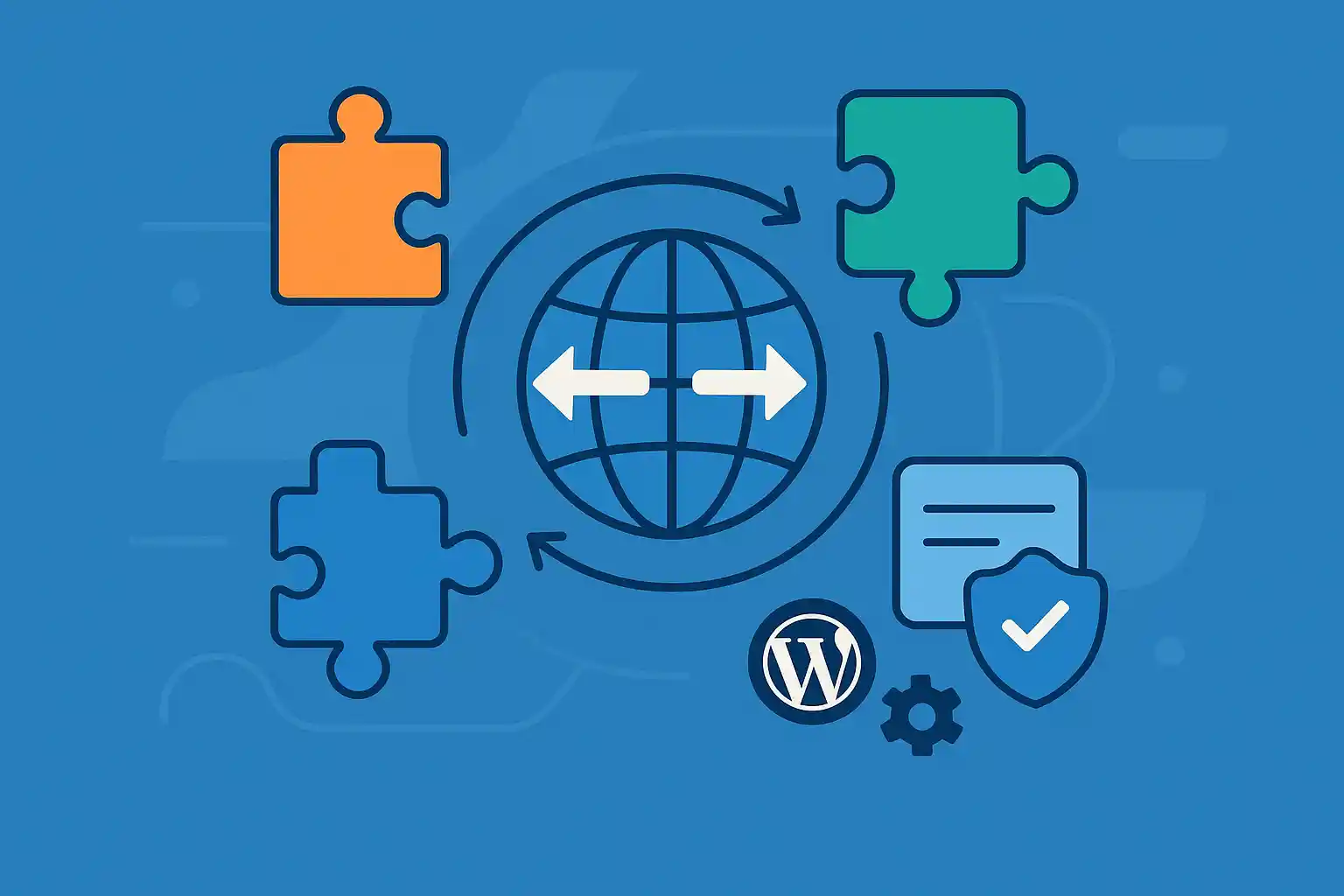
Building a multilingual WordPress site is one of the most effective ways to reach a global audience. But choosing the right translation plugin can be confusing — each tool has different strengths, workflows, and pricing models.
In this guide, we compare the three most popular multilingual plugins: Polylang, WPML, and TranslatePress. You’ll learn how each plugin works, what it’s best for, and how to choose the right one for your site.
Polylang
Polylang is a lightweight, popular multilingual plugin that lets you manually translate posts, pages, menus, categories, widgets, and more. It integrates smoothly with WordPress and is especially good for users who prefer full control over their translations.
Key Features
- ✔ Manual translation workflow (you create each translated post)
- ✔ Works naturally with WordPress core features
- ✔ Multilingual menus, widgets, taxonomies, and slugs
- ✔ Supports RTL languages
- ✔ Optional machine translation via Lingotek
- ✔ Works with most themes and plugins
Pros
- Lightweight, fast, and stable
- Free version works for most small or medium sites
- No vendor lock-in — content stays within post types
Cons
- Manual translation takes more time
- Some advanced features require Polylang Pro
- eCommerce (WooCommerce) support requires a paid add-on
Best For
Users who want a clean, flexible multilingual setup with minimal overhead.
WPML (WordPress Multilingual Plugin)
WPML is the most feature-rich translation plugin, offering deep integration with themes, plugins, custom fields, and WooCommerce. It supports manual, automatic, and professional translation workflows.
Key Features
- ✔ Complete translation management dashboard
- ✔ Automatic machine translation (DeepL, Google, Microsoft)
- ✔ Translate custom fields (ACF), taxonomies, menus, and slugs
- ✔ WooCommerce Multilingual for global shops
- ✔ Translators roles and workflow control
- ✔ SEO optimization for multilingual content
Pros
- Extremely powerful and enterprise-ready
- Full compatibility with major themes and plugins
- Automatic translation included with subscription
- Great for large multilingual businesses or WooCommerce stores
Cons
- Learning curve is higher than Polylang or TranslatePress
- Paid plugin (no free version)
- Interface can feel heavy for simple sites
Best For
Businesses, large content sites, and WooCommerce stores needing powerful translation automation and management.
TranslatePress
TranslatePress is a visual translation plugin that lets you translate your site directly from the front end — similar to customizing content in Elementor or the WordPress Customizer.
This makes it extremely user-friendly for non-developers.
Key Features
- ✔ Visual front-end translation editor (WYSIWYG)
- ✔ Automatic translation via Google Translate or DeepL
- ✔ Translate dynamic content (shortcodes, forms, elements)
- ✔ SEO support for multilingual slugs and sitemaps
- ✔ Works with WooCommerce
Pros
- Very easy to use — you click text and translate
- Great for beginners or teams without developer resources
- Supports automatic translation out of the box
Cons
- Free version is limited to one language
- Heavy use of visual translation can be slower on large sites
- Complex translation workflows are less efficient than WPML
Best For
Beginner-friendly multilingual sites that want a visual translation experience.
Feature Comparison Summary
Ease of Use
- TranslatePress — Easiest (visual interface)
- Polylang — Moderate
- WPML — Most complex but powerful
Performance
- Polylang — Best performance, lightweight
- TranslatePress — Moderate
- WPML — Heavier due to its many features
Best for SEO
- WPML — Most complete SEO controls
- Polylang — Solid, clean URL structure
- TranslatePress — Strong multilingual SEO support
WooCommerce Support
- WPML — Best for complex multilingual shops
- TranslatePress — Good
- Polylang — Requires paid add-on
Pricing
- Polylang: Free + Pro option
- TranslatePress: Free + Paid add-ons
- WPML: Paid only (subscription)
Which Translation Plugin Should You Choose?
Choose Polylang if:
- You want a free and lightweight multilingual setup
- You prefer manual translation control
- You value clean performance and SEO
Choose WPML if:
- You run a multilingual business site or WooCommerce store
- You need a translation workflow for teams
- You want automation (DeepL, Google Translate)
Choose TranslatePress if:
- You want a beginner-friendly visual translator
- You prefer front-end editing
- You rely on automatic translation for speed
Conclusion
All three plugins — Polylang, WPML, and TranslatePress — are excellent choices, but each fits a different type of WordPress site. Polylang is lightweight and flexible, WPML is enterprise-level and feature-rich, and TranslatePress offers the most user-friendly translation UI.
Summary:
Polylang → Best for performance and manual control
WPML → Best for professional multilingual projects
TranslatePress → Best for beginners who want visual editing
Choosing the right plugin ensures your multilingual site is fast, easy to manage, and SEO-friendly.
🔌 Looking for more? Check out our WordPress Plugins Hub to discover recommended tools and how to use them.